WorkingSLOT 01
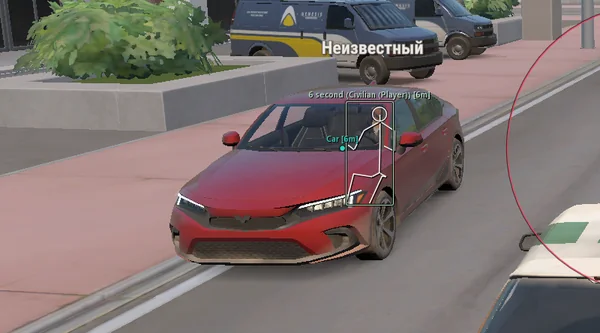
Lovec ROB RUN
Silent Aim, HP and armour ESP, loot prices and rarity, plus a 2D radar.
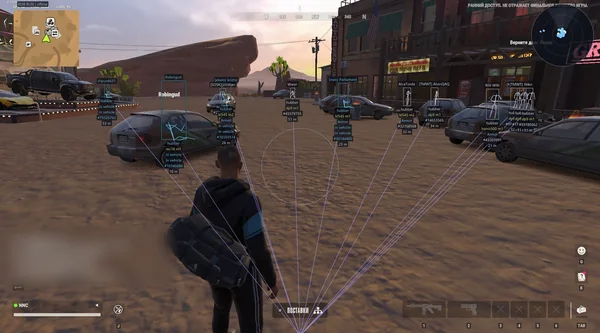
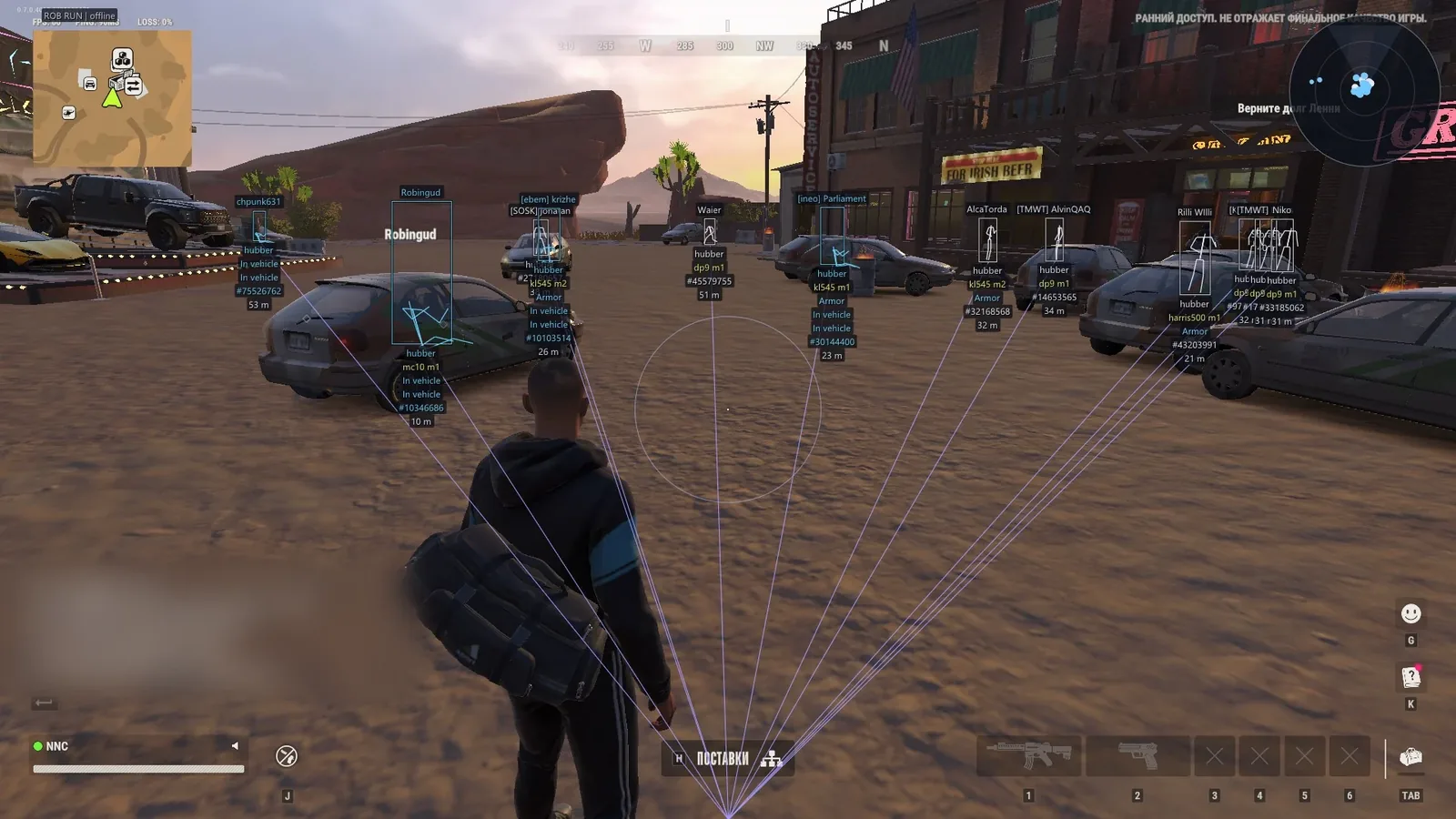 GAME CAPTURE / NN
Silent Aim with profiles for different weapon classes, plus player, NPC, vehicle, camera and loot ESP. A single EXE checks and updates the game profile.
Duration: 1 day. Check it again on the DigiSeller page before paying. Your key and guide will be in the order and by email.
Descriptions and functions are based on current build data. Check the guide in your order before launching, as requirements may change after patches.
NN focuses on Silent Aim and automatic profile maintenance. Its offset scanner checks the supported game version at launch, removing the need to find a new file manually after some patches. This is not a promise for every future update, but a tool for supported builds.
Weapon profiles store individual aiming settings. ESP covers roles, weapons, armour, vehicles, cameras and valuables. Radar gathers players, NPCs and vehicles in one circle, while Ctrl+F finds settings quickly.
Check Windows 2004–25H2, GPT/UEFI and virtualization settings.
Open the single EXE from the guide and wait for the profile check.
Enter the key and launch ROB RUN before or after the loader as instructed.
Configure weapon profiles, ESP and radar, then save your config.
All listed settings by section. Open the block you need.
General, pistol, rifle and other weapon settings with separate parameters.
Silent aim, hold or always-on, main and force binds, and an in-scope-only option.
Police, robbers, civilians and other characters. Lock, switch delay, and ignoring dead, knocked and vehicle occupants.
FOV, adaptive zone, smoothing, prediction, Shift to head, selected or nearest bones.
FOV border and background, locked target and a prediction cross.
Full, corner or 3D box, custom dimensions, fill, skeleton and head circle.
Name, clan, role, held item, armour, state, health, distance and ID.
Hide dead, teammates and knocked targets. Separate colours for teammates, knocked targets and vehicle occupants.
Box, name, state and distance with their own label style.
Name, owner, driver, speed, state and distance. 3D box, front face and lines.
Occupied vehicles only, plus hiding your own and current vehicle.
Distance, hiding broken cameras, a filled view zone and normal, broken and alarm colours.
Loot, loot points, cargo, cash, chargers, storage and security panels.
Weapons, ammo, armour, equipment, medicine, valuables and more with an empty-object filter.
Automatic colour detection and ESP labels matching the item colour in the game.
Zoom, size, opacity, distance rings, view cone and markers on the rim.
Police, robbers, civilians, other characters, NPCs and vehicles.
Pointers to targets outside the view with range, size and distance settings.
No recoil, sway or spread.
Key and indicator, compact information, hiding selected targets, the radar and pointers.
English, Russian and Chinese, two themes, 100–150% scaling, one or two columns, VSync and FPS.
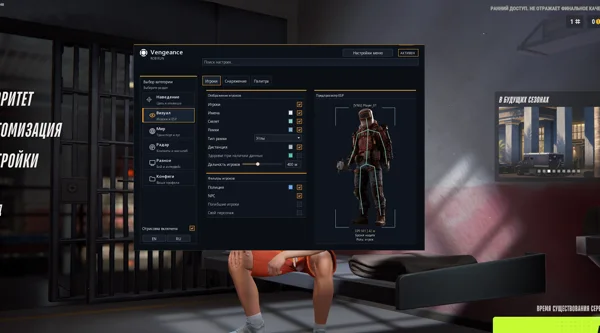
Ctrl+F settings search, ESP preview, and a movable, resizable menu.
Create, save, autosave, load, rename and delete presets.
A single EXE with an offset scanner, profile checks and automatic updates at launch.
Real build captures. Select one to inspect the interface.
Added Silent Aim, weapon profiles, player and object ESP, radar, battle mode and automatic profile updates through the offset scanner.
UpdatesROB RUN uses Easy Anti-Cheat. Working status does not guarantee immunity from bans. Check requirements and avoid conspicuous settings on an account you cannot risk losing.
Features, launch and compatibility.
It checks the profile at launch and updates it for supported ROB RUN versions. Compatibility with every future patch is not guaranteed.
GPT and UEFI, hardware virtualization enabled, Secure Boot and TPM disabled.
At the latest check: 190 RUB for one day, 440 for three days, 1,040 for a week and 2,140 for a month.
Silent Aim, HP and armour ESP, loot prices and rarity, plus a 2D radar.
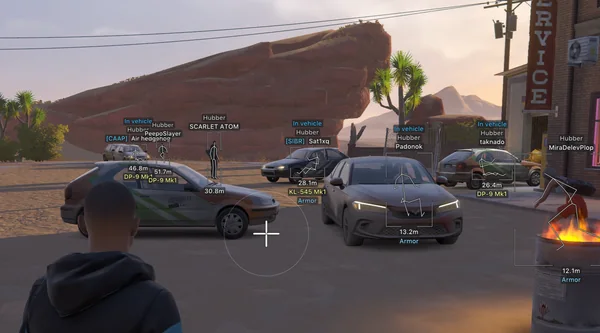
Prediction aim, city ESP, radar and shooting without recoil.
Aim, ESP, detailed vehicles, radar and clan-aware BattleMode.