WorkingSLOT 01New build
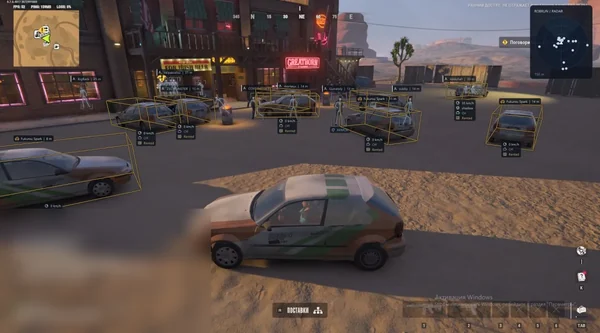
Phoenix ROB RUN Internal
Memory and Silent Aim, faction, loot and camera ESP, radar and Skin Changer.
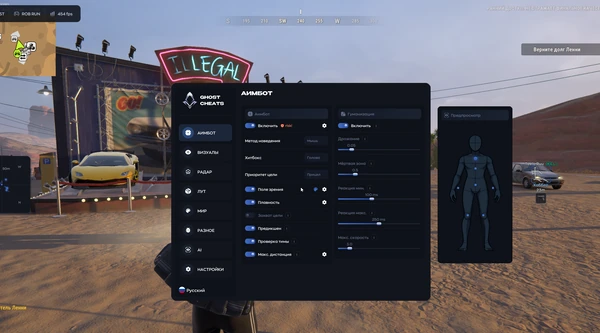
 GAME CAPTURE / GHOST-FULL
Ghost edition with adjustable aiming, player filters and a loot summary.
Duration: 1 day. Check it again on the DigiSeller page before paying. Your key and guide will be in the order and by email.
Descriptions and functions are based on current build data. Check the guide in your order before launching, as requirements may change after patches.
FULL separates the aim controls from the information overlay. You can use the visibility tools by themselves, or select one of the three aiming methods when you need the full set.
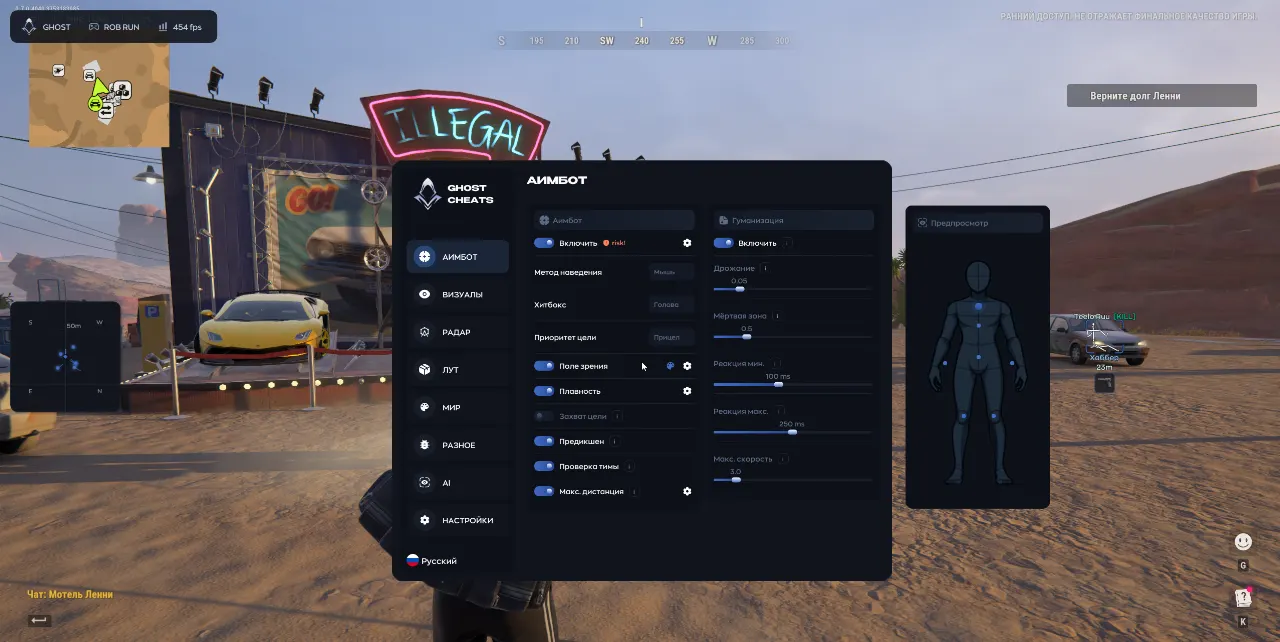
Select Mouse, Silent or Memory in Aim Method. Check where the aim point falls on the model and how wide the acquisition area is. Test reaction delay and speed separately so it is easier to see how each setting changes the response.
Keep gear or role details beside nearby players and use radar for position. Item categories and world-object labels are separate, which makes it possible to save a route-oriented profile and another profile for player and vehicle markers.
Check your Windows build against the order instructions for Ghost FULL.
Follow the activation and launch steps provided with the key.
After opening the interface, save the initial settings and check the selected aim mode.
If the loader stops, record the complete error and send it to support with your Windows build.
All listed settings by section. Open the block you need.
Aim toggle.
Select Mouse, Silent or Memory.
Select where to aim on the model.
Set the order of target selection.
Set the acquisition area around the crosshair.
Adjust motion smoothing.
Keep the selected player outside the acquisition area.
Lead a moving target.
Exclude teammates and friends.
Cap the aiming range.
Add small aim fluctuations.
Set an area near the target where aim stays still.
Set the minimum and maximum reaction delay.
Limit turning speed.
Adjust the chance of an intentional miss.
Draw a line to the selected target.
Preview the aim settings.
Outline a player with a box.
Color the player model.
Draw the player's pose as a skeleton.
Display the player name.
Show the distance to the player.
Label the player's weapon.
Display the player's role.
Show armor presence and level.
Show the clan tag.
Draw a line from the screen edge to the player.
Indicate the player's facing direction.
Filter the factions shown.
Switch between a weapon icon and text.
Exclude selected clan tags from the overlay.
Preview the player labels.
Draw a border around the widget.
Toggle the radar background.
Show facing direction on the radar.
Change the shape of the markers.
Resize the radar widget.
Set the maximum display range.
Adjust marker size.
Adjust the zoom inside the widget.
Use icons in place of item labels.
Show weapons.
Show ammunition.
Show armor items.
Show medicine.
Show keys.
Show valuables.
Show grenades.
Show other loot.
Filter items by name.
Open a separate list of matching items.
Draw boxes around vehicles.
Show vehicle names and distance.
Show distance to friends.
Mark containers.
Mark bags.
Mark cargo.
Mark loot spawn points.
Highlight cash.
Mark surveillance cameras.
Create or remove a profile.
Save or load a profile.
Export or import settings as a file.
Display the Ghost watermark.
Display pressed binds.
Add shadows to interface text.
Set whether the menu is hidden from capture.
Hide the menu on the assigned key.
Show a custom crosshair.
Toggle vertical sync.
Switch the menu to performance mode.
Bind the menu key.
Adjust interface scale.
Open the assistant for menu questions.
Real build captures. Select one to inspect the interface.
Added Ghost FULL with three aim modes, radar, faction and clan filters, and loot lookup by name.
UpdatesROB RUN uses Easy Anti-Cheat. Working status does not guarantee immunity from bans. Check requirements and avoid conspicuous settings on an account you cannot risk losing.
Features, launch and compatibility.
Plan length determines how long the key lasts. Each FULL plan includes all three aim methods and the visual features.
Use the faction and clan settings for visual filtering. Team Check independently controls who can be acquired by aim.
Aim and radar have independent range controls.
Create separate layouts for monitoring players or searching for items, then load the one you need.
Yes, the Aimbot tab has a switch. Ghost ESP is also available as a dedicated visual edition.
See the key instructions for initial access. Choose a different bind in Menu Key afterward.
Memory and Silent Aim, faction, loot and camera ESP, radar and Skin Changer.
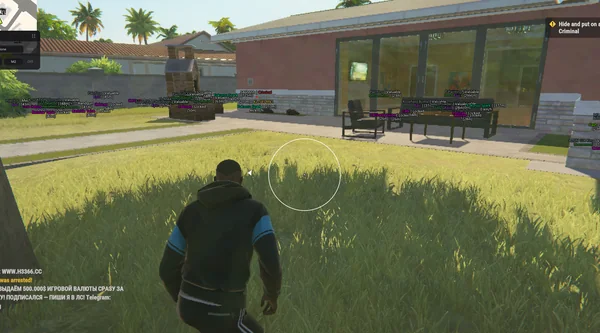
Aimbot and Silent Aim, plus player, cash, loot and vehicle ESP.
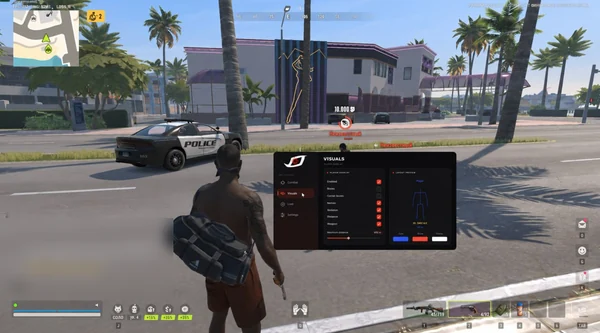
Bone-selectable aim, role colours, dropped loot and cargo in one compact menu.