WorkingSLOT 01New build
Phoenix ROB RUN Internal
Memory and Silent Aim, faction, loot and camera ESP, radar and Skin Changer.
 GAME CAPTURE / MEMEZ
MEMEZ combines prediction aim, ESP and saved settings. A combat-mode key hides loot, radar and other selected markers.
Duration: 1 day. Check it again on the DigiSeller page before paying. Your key and guide will be in the order and by email.
Descriptions and functions are based on current build data. Check the guide in your order before launching, as requirements may change after patches.
MEMEZ lets you separate looting from combat. While exploring the city, keep item categories, rarity and sale value visible. If labels crowd the screen, a minimum-value threshold removes cheaper items. Object filters handle loot points and cargo separately.
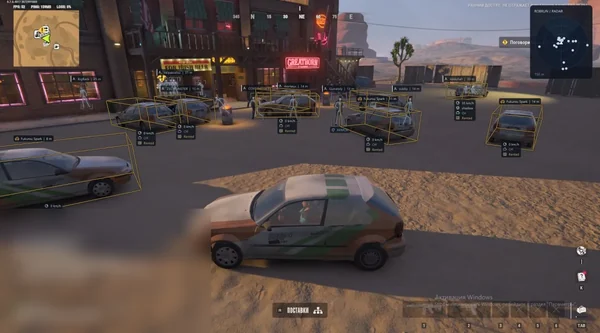
Vehicle information has its own controls. Only occupied keeps vehicles with someone inside; Driver and Owner identify the driver and owner. Speed and Status add more detail. You can hide your own vehicle separately when its marker gets in the way.
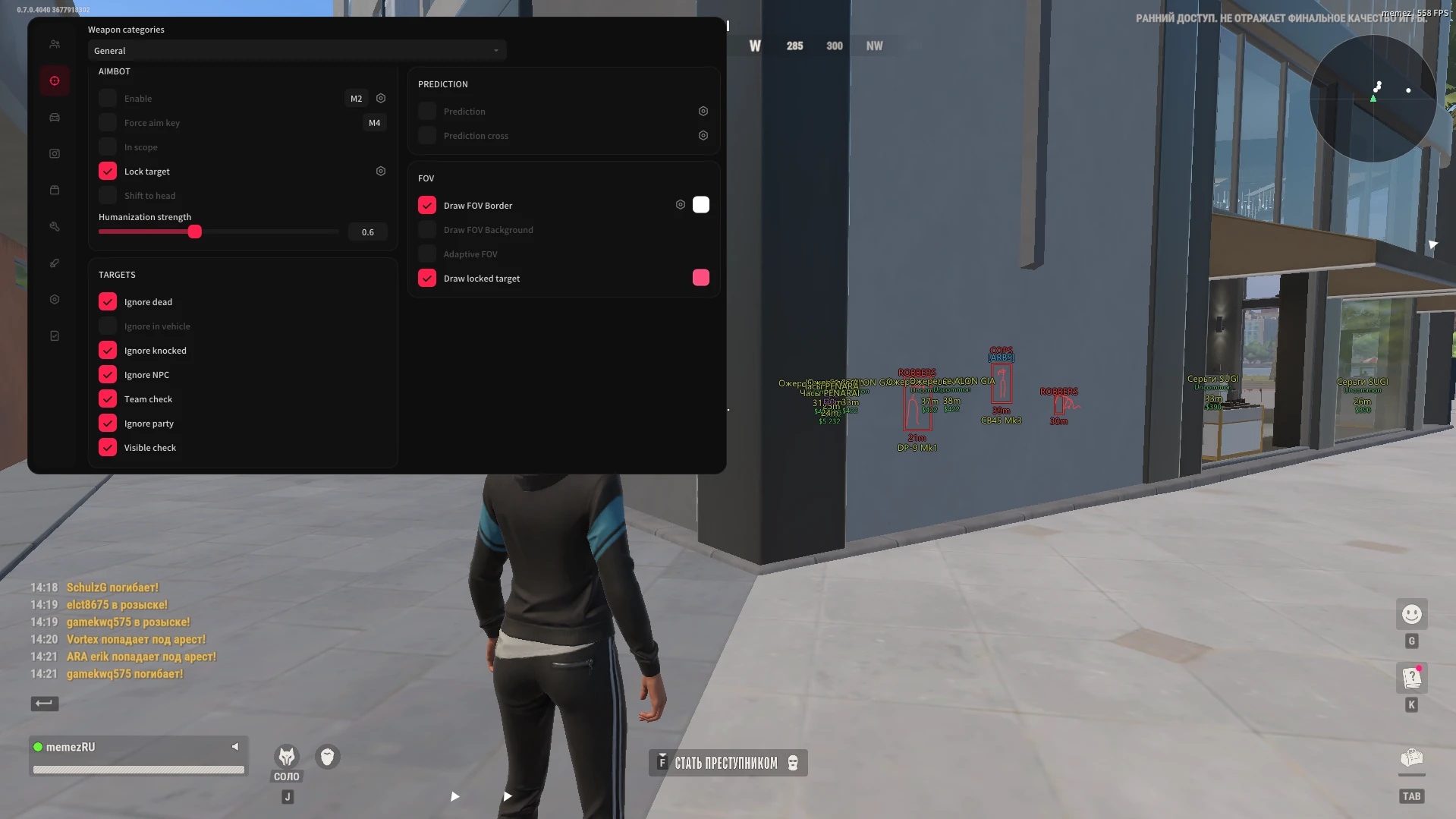
Aim settings start with weapon categories. Prediction accounts for target movement, Humanization strength changes smoothing, and In scope restricts activation to aiming down sights. Targets has separate exclusions for party members, teammates, NPCs, knocked players, dead players and occupants of vehicles. Visible check covers target visibility.
Combat Mode works on an assigned key. It can hide loot, radar and off-screen indicators while keeping more compact information. Choose which elements it hides, then save profiles for different activities: detailed item labels for looting and fewer markers for fights.
Use any build of Windows 10 or Windows 11 and set ROB RUN to windowed or borderless mode.
Choose NVIDIA App or Discord overlay and close the other option, following the guide supplied with the key.
Open the launcher from your order instructions and enter the licence key. Keep the purchase number for support.
Enter the ROB RUN lobby and press F1. Open the menu with Insert; further key assignments are in Interface.
All listed settings by section. Open the block you need.
Select a weapon category.
Enable this section.
Assign a separate forced aim key.
Limit aim to aiming down sights.
Keep the selected target.
Shift aim toward the head.
Adjust aim smoothing.
Lead moving targets.
Display the lead point.
Show the FOV border.
Show the FOV background.
Use an adaptive acquisition area.
Highlight the selected target.
Exclude dead targets.
Exclude players inside vehicles.
Exclude knocked targets.
Exclude NPCs.
Check the team and ignore teammates.
Exclude party members.
Check target visibility.
Enable this section.
Show only occupied vehicles.
Hide your own vehicle.
Hide the vehicle you are riding in.
Draw a box around the vehicle.
Highlight the front face.
Fill the bounding box.
Draw a line to the vehicle.
Display the vehicle name.
Display distance.
Display the vehicle owner.
Display the driver.
Display vehicle speed.
Display vehicle status.
Enable this section.
Choose the label display style.
Display distance.
Hide empty objects.
Display the sale price.
Select objects such as loot, loot points or cargo.
Filter loot by categories such as weapons, ammo and armor.
Display item rarity.
Filter by rarity, including Rare, Epic and Legendary.
Set the lowest sale value to display.
Reduce weapon recoil.
Remove aiming sway.
Counter the flash effect.
Display loot faster.
Automatically loot bags.
Enable this section.
Display the mode indicator.
Use a compact information display.
Hide dead players.
Hide radar in combat mode.
Hide indicators outside the screen.
Hide loot labels.
Configure hidden elements.
Set the menu key.
Set the unload key.
Control vertical synchronization.
Choose the interface theme.
Display the watermark.
Display radar.
Display direction indicators for targets outside the screen.
Choose the interface language.
Close the overlay.
Create a new configuration.
Refresh the configuration list.
Load a configuration.
Save current settings.
Rename a configuration.
Delete a configuration.
Real build captures. Select one to inspect the interface.
MEMEZ added to the catalog: prediction aim, vehicle ESP, loot value and rarity filters, Combat Mode and saved profiles.
UpdatesROB RUN uses Easy Anti-Cheat. Working status does not guarantee immunity from bans. Check requirements and avoid conspicuous settings on an account you cannot risk losing.
Features, launch and compatibility.
Item ESP includes a minimum sale value plus rarity and category filters. You can select objects such as loot points and cargo separately, hide empty objects and limit the display distance.
Yes. Use Only occupied. You can separately hide your own vehicle or the vehicle you are currently in.
Prediction enables movement lead. Prediction cross displays the lead point on screen.
Selected elements: loot, radar, off-screen indicators and dead players. The mode also has an indicator and a compact information view.
All builds of Windows 10 and Windows 11 are confirmed. Also check overlay settings and use windowed or borderless game mode.
A MEMEZ ROB RUN key for the selected 1, 7 or 30-day period. Check the duration in DigiSeller before paying and open the guide on your order page afterwards.
No. Aim smoothing changes crosshair movement and does not guarantee account safety. Third-party software carries a risk of account bans.
Memory and Silent Aim, faction, loot and camera ESP, radar and Skin Changer.
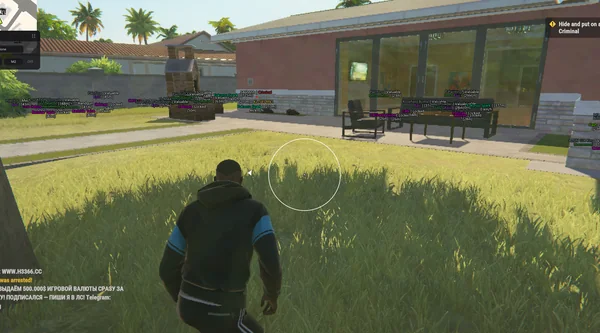
Aimbot and Silent Aim, plus player, cash, loot and vehicle ESP.
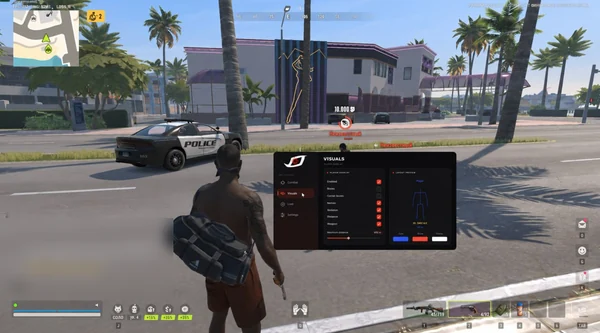
Bone-selectable aim, role colours, dropped loot and cargo in one compact menu.