WorkingSLOT 01
Lovec ROB RUN
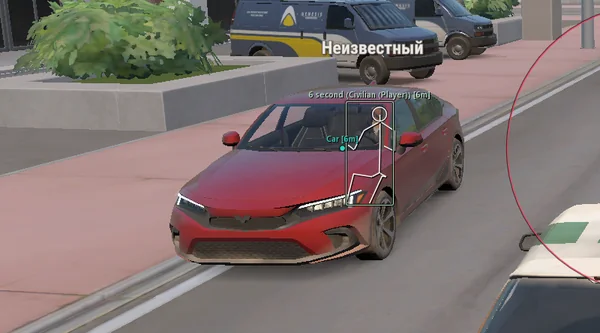
Silent Aim, HP and armour ESP, loot prices and rarity, plus a 2D radar.
 GAME CAPTURE / PHOENIX-EXTERNAL
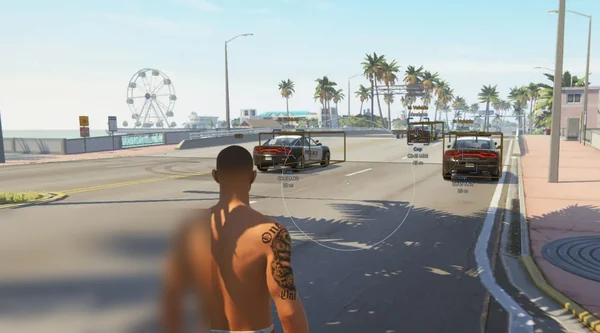
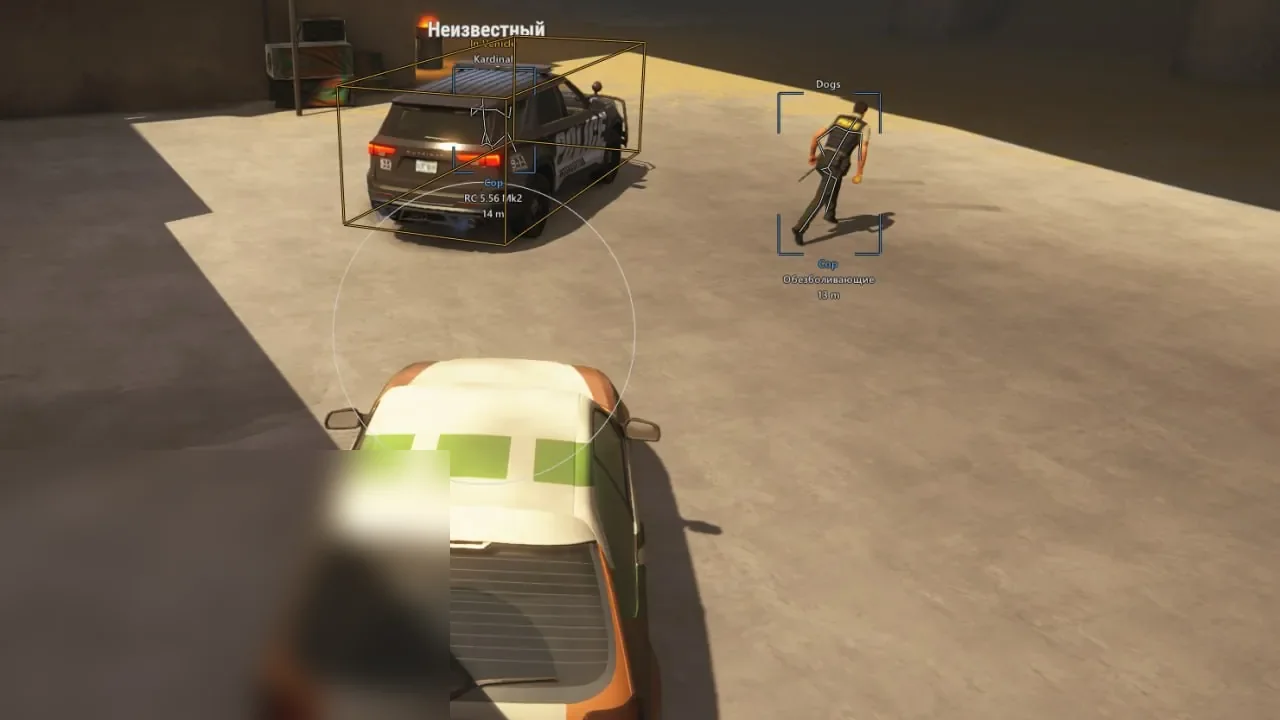
An external build with aim, faction and vehicle ESP. Automatic Roles, friend and state filters, a separate overlay and configs.
Duration: 1 day. Check it again on the DigiSeller page before paying. Your key and guide will be in the order and by email.
Descriptions and functions are based on current build data. Check the guide in your order before launching, as requirements may change after patches.
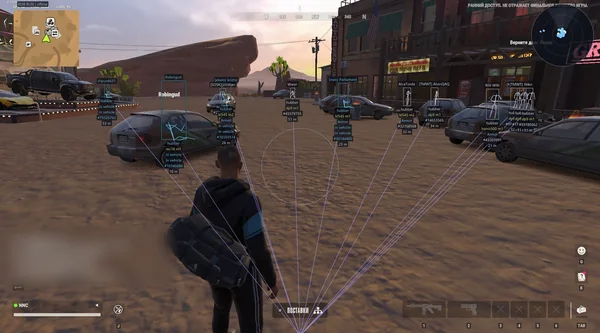
Phoenix External keeps a compact toolkit without extra modules: smooth aim, players and vehicles. Prediction accounts for target movement, Target Point selects a body area, and Automatic Roles chooses factions according to your current role.
ESP shows held items, roles, names and distance. Friends can be added by nickname to the aim whitelist and receive a dedicated label. The external overlay refresh rate can be limited. Silent Aim, radar and Loot ESP are not included.
Check Windows 21H2–26H1 and the official Steam installation.
Open the loader from the guide and activate the key.
Configure Automatic Roles or select factions manually.
Save your settings with Save and check the overlay in-game.
All listed settings by section. Open the block you need.
Smooth controls crosshair tracking, Prediction accounts for target movement and Target Point selects the body area.
The acquisition radius is shown as a circle with a custom colour. Max Distance limits aimbot range.
Automatic Roles selects target factions according to your current role.
Robbers, police, citizens, Hubbers, settlers, prisoners, clan members and unknown roles are independent toggles.
Ignore Knocked and Ignore Dead exclude those states, while Ignore Friends prevents aim from locking onto friends.
Standard or corner boxes support width, outline and colour settings.
Player skeletons have configurable colour, line width and an optional outline.
Name and range have independent colours. Text Outline and Text Size improve readability.
Held Item shows the item in hand, while Role displays the character's current game role.
Max Distance limits player display, and In Vehicle highlights players inside vehicles.
Show Friends keeps friends visible in ESP, while Friend Label adds a dedicated label.
Show Knocked and Show Dead control the corresponding character states.
Robbers, police, citizens, Hubbers, settlers, prisoners, clan members and unknown roles have separate colours.
Displays the vehicle name.
Bounds shows vehicle boundaries and boxes, while Vehicle Color controls their colour.
Max Distance limits the vehicle display radius.
Search Nickname finds players, while Player List shows results and their status.
Add puts the selected player on the aimbot whitelist and enables separate ESP display.
Font changes the typeface used by ESP text.
FPS Limit caps the external overlay refresh rate.
Save stores settings, Load restores them and Reset returns default values.
Real build captures. Select one to inspect the interface.
New external build with smooth Prediction aim, player and vehicle ESP, Automatic Roles, a friends list and configs.
UpdatesROB RUN uses Easy Anti-Cheat. Working status does not guarantee immunity from bans. Check requirements and avoid conspicuous settings on an account you cannot risk losing.
Features, launch and compatibility.
No. It uses smooth aim with Prediction and Target Point.
Players with roles, held items and states, plus vehicles with names and bounds. Loot and cameras are not listed.
Find the player by nickname, add them with Add and enable Ignore Friends. Friend Label keeps a dedicated ESP label.
Silent Aim, HP and armour ESP, loot prices and rarity, plus a 2D radar.
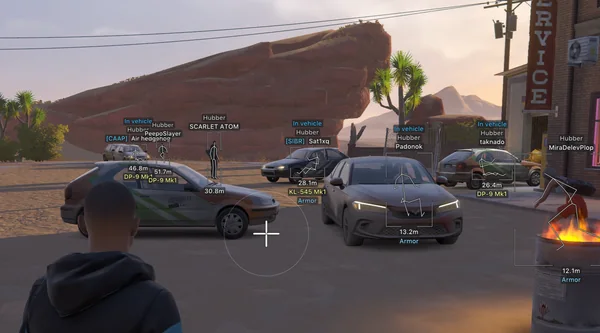
Prediction aim, city ESP, radar and shooting without recoil.
Silent Aim, weapon profiles, ESP, radar and automatic profile updates.