WorkingSLOT 01
Lovec ROB RUN
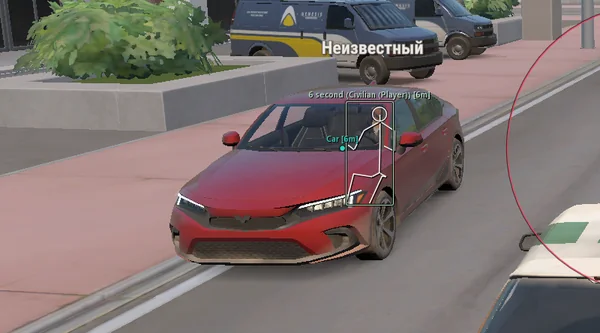
Silent Aim, HP and armour ESP, loot prices and rarity, plus a 2D radar.
 GAME CAPTURE / SMG
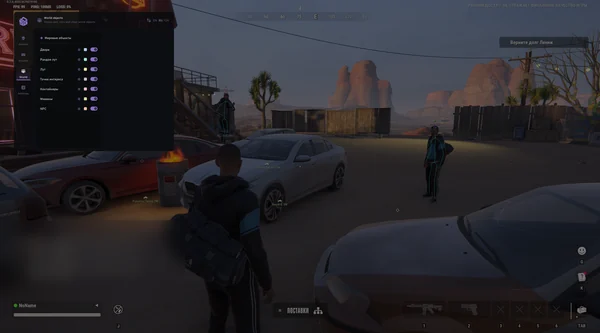
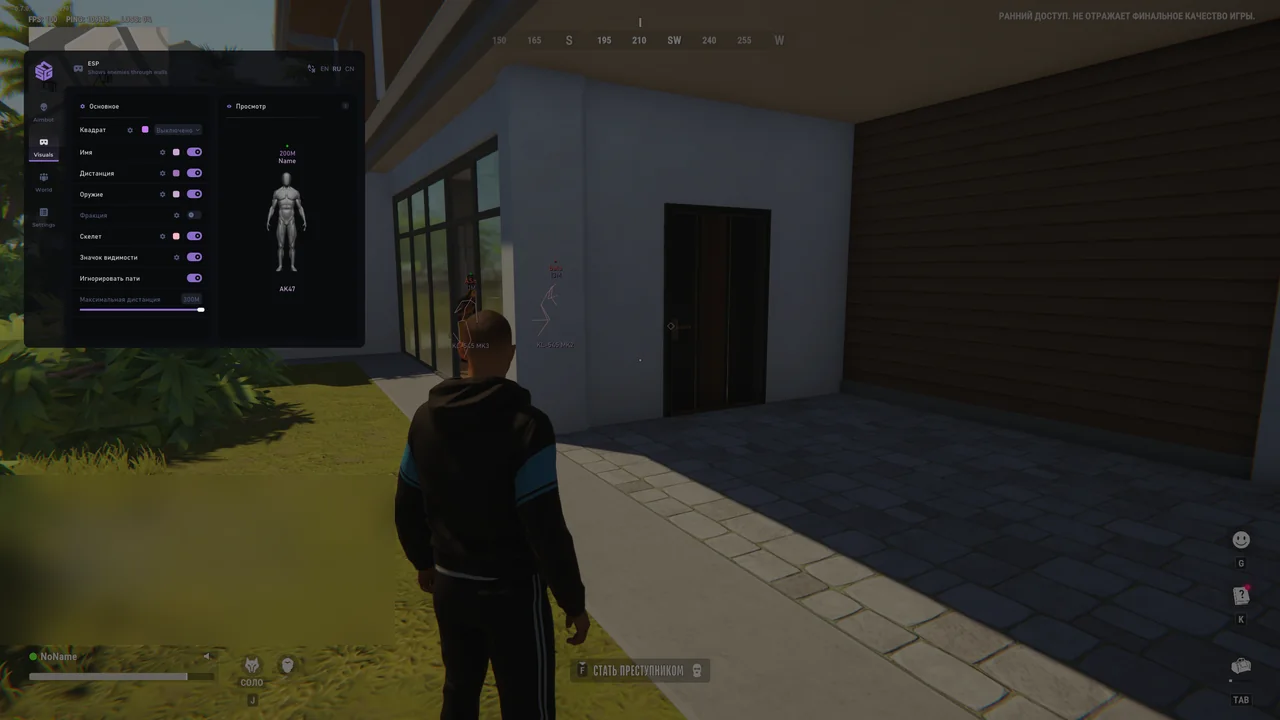
Aim with bone selection and visibility checks, plus player, faction and world-object ESP. HWID Spoofer and Cleaner are included.
Duration: 1 day. Check it again on the DigiSeller page before paying. Your key and guide will be in the order and by email.
Descriptions and functions are based on current build data. Check the guide in your order before launching, as requirements may change after patches.
SMG stands out with built-in HWID Spoofer and Cleaner, so no separate purchase is needed. Vector Aim uses a custom key, visibility checks, multiple bones and target priority. Teammate filtering and switch delay help keep aiming controlled.
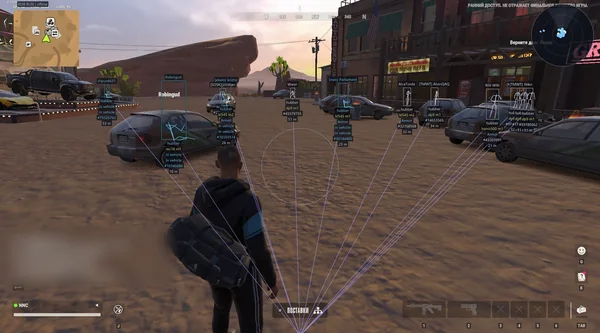
ESP is configurable by object type: players, factions, doors, random loot, POIs, containers, vehicles and NPCs can have individual colours, sizes and ranges. Panic and battle mode have dedicated keys.
Check Windows and prepare the system according to SMG requirements.
Open the loader from the guide, enter the key and press Inject.
Press F2 in the ROB RUN main menu and wait for loading.
Open the menu with HOME, select bones and save your config.
All listed settings by section. Open the block you need.
Aim is toggled with an assigned key. Auto-switch selects the next target, while a separate delay controls the transition.
Visibility checking excludes covered targets, and the teammate filter prevents aim from locking onto allies.
The interactive character diagram supports multiple aiming bones with configurable priorities.
The target-acquisition area is shown as a circle with adjustable thickness, segments and point size.
The selected bone is marked on the opponent so you can see where aim is directed before firing.
Box mode, thickness and fill are configured separately. Visible opponents can use a different colour.
The label shows the player's name and distance. Its font size is independent of other elements.
ESP displays clan, role and faction membership, with separate colours for different factions.
The held weapon name helps identify an armed opponent before getting close.
Skeleton line thickness is adjustable, with separate settings for bones.
Marker colour and text change according to whether the character is visible.
Teammates can be excluded. The preview checks the ESP layout before returning to the game.
Door markers include a title, position point and distance. Background, font and icon size are configurable.
Random items show their names and distance. A maximum range prevents unnecessary distant markers.
Collectable items have their own icons, names and position markers.
POIs use configurable backgrounds, labels, icons and display ranges.
Containers are visible at the chosen distance with independent text and icon settings.
Vehicles show their names and distance, while position points help locate them behind other objects.
Game characters are displayed separately from real players with their own range and appearance.
Position, size, colour, custom name and distance are configurable for each object type.
The built-in spoofer is included for hardware blocks and does not require a separate purchase.
Anti-cheat trace cleaning is built into the loader. Startup prompts depend on whether a block is present.
Current settings can be saved, loaded or reset in the Configs section.
The interface supports a different font and adjustable font size.
Menu, unload, Panic and Battle Mode binds have a dedicated settings section.
One key instantly hides active features during gameplay.
A separate bind toggles Battle Mode without searching through menu switches.
Russian, English and Chinese are switched with RU / EN / CN buttons in the menu header.
Real build captures. Select one to inspect the interface.
Released with Vector Aim, configurable player and world ESP, plus built-in HWID Spoofer and Cleaner.
UpdatesROB RUN uses Easy Anti-Cheat. Working status does not guarantee immunity from bans. Check requirements and avoid conspicuous settings on an account you cannot risk losing.
Features, launch and compatibility.
Yes. HWID Spoofer and Cleaner are included without a separate purchase.
No. The current list includes Vector Aim and does not list Silent Aim or radar.
Windows 10 21H2–22H2 and Windows 11 21H2–23H2. Other builds are not listed.
Silent Aim, HP and armour ESP, loot prices and rarity, plus a 2D radar.
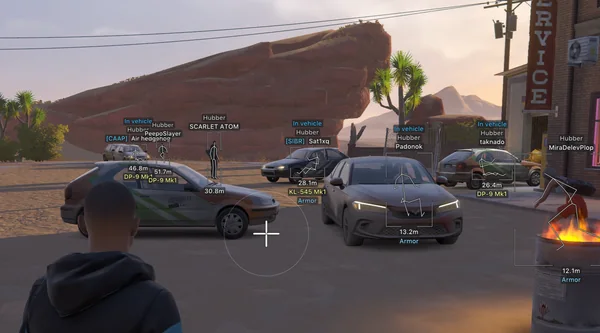
Prediction aim, city ESP, radar and shooting without recoil.
Silent Aim, weapon profiles, ESP, radar and automatic profile updates.