WorkingSLOT 01New build
Phoenix ROB RUN Internal
Memory and Silent Aim, faction, loot and camera ESP, radar and Skin Changer.
 GAME CAPTURE / STEALTH
Global. See reactor output, plant growth and camera coverage. Stealth also has hold-to-aim tracking and fast container searches.
Duration: 1 day. Check it again on the DigiSeller page before paying. Your key and guide will be in the order and by email.
Descriptions and functions are based on current build data. Check the guide in your order before launching, as requirements may change after patches.
This page offers Global Stealth keys for 1, 3, 7 and 30 days.
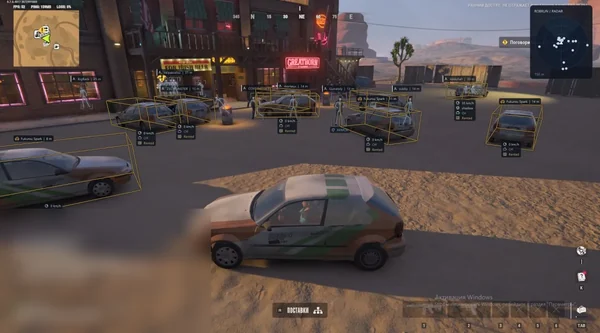
Stealth lets you follow a load from the reactor to the buyer. Check what the reactor has ready, see who owns the car and what it's carrying, then look up the queue and how much cash the buyer has left.
For a loot run, you might want a different view. Keep bag markers and plant growth stages on screen, raise the minimum item rarity and hide empty containers. Resource nodes will still show up. Copy the config to the clipboard if you want to keep that setup.
Any Windows 10 or Windows 11 build will work. Secure Boot must be off. If it's already off, you can skip the BIOS.
Open the MEGA folder linked in your order instructions. It contains the Stealth loader and guide.
Follow the guide in that folder. If you see an error, copy the message into the shop chat.
All listed settings by section. Open the block you need.
Marks benches for opening cargo.
Marks reactor locations.
Shows what the reactor has finished producing.
Marks crates that need to be opened.
Shows where to sell cargo.
Shows how much cash a buyer has and the queue at that buyer.
Shows what's in the cargo at the buyer.
Sets a separate draw distance for each cargo category.
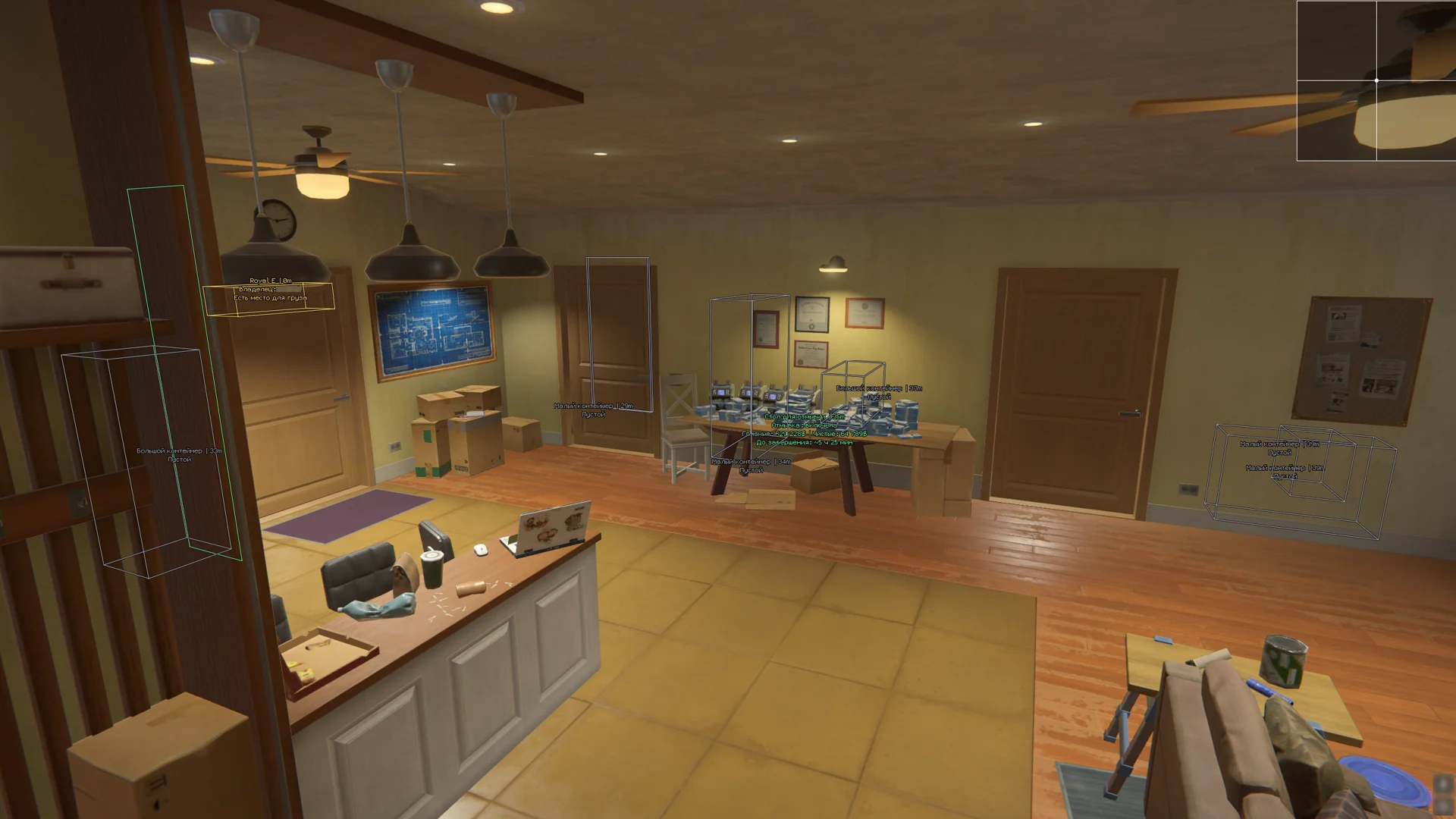
Toggles container markers.
Draws a box around the container.
Shows whether the container is open or closed.
Hides containers that hold no items.
Sets how far away container markers appear.
Marks loose items in the game world.
Shows every node regardless of the item rarity filter.
Marks bags of loot.
Sets the maximum draw distance for loot.
Shows an icon, a text label or both.
Hides items below the chosen rarity.
Marks cash machines.
Draws a 3D box around each ATM.
Marks loose stacks of cash.
Marks plants.
Shows the current growth stage.
Marks safe locations.
Marks money laundering tables.
Sets how far away each loot category appears.
Marks defense panels.
Shows alarm locations and status.
Marks guards.
Shows the guard's current status.
Marks security cameras.
Displays camera status and whether it has detected a player.
Shows which way the camera faces.
Shows the area covered by each active camera.
Sets the draw distance for cameras.
Sets a shared range for security markers.
Turns on aim tracking for the selected target.
Skips members of your clan.
Skips players on your team.
Skips downed players.
Restricts aim to targets in line of sight.
Targets the head, chest, pelvis or nearest bone.
Hold the assigned key to aim.
Sets the search area around the crosshair.
Controls how fast the crosshair moves toward the target.
Adjusts the smoothness and precision of mouse movement.
Sets the maximum range for target selection.
Draws the boundary of the aim search area.
Highlights the selected player.
Draws a custom crosshair.
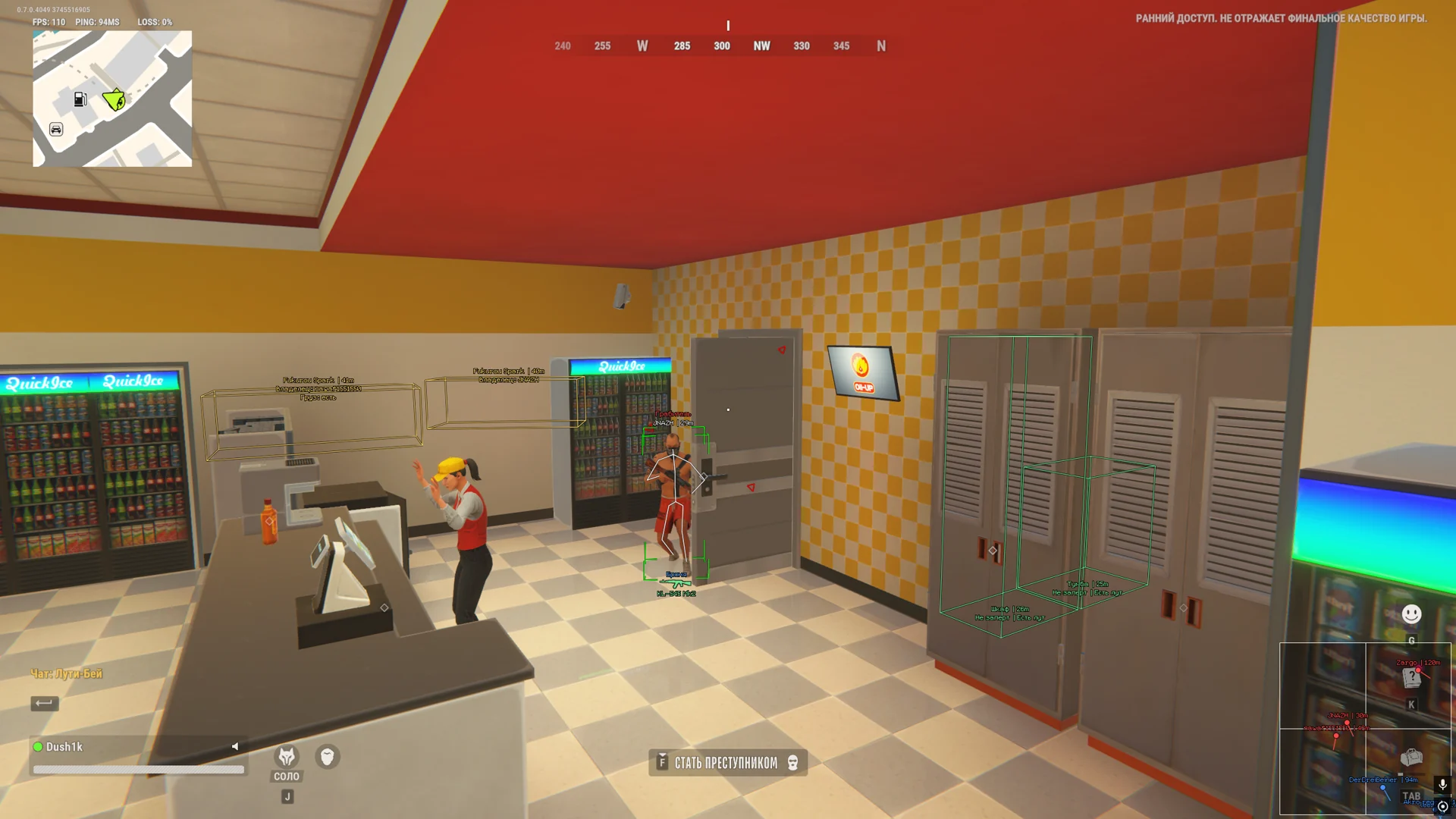
Draws a box around the player.
Draws the corners of a 3D box around the player model.
Draws the bones of the player model.
Displays the player's name.
Displays the player's role or class.
Shows clan membership.
Shows the player's squad.
Hides teammates' markers.
Shows the player's HP.
Shows the player's armor level.
Shows how far away the player is.
Shows the item as an icon, a name or both.
Marks grenades in flight.
Shows the area the explosion can reach.
Counts down to detonation.
Sets the draw distance for grenades.
Point toward objects outside the current view.
Limits arrows to targets in line of sight.
Sets the maximum range for arrows.
Marks cars.
Marks helicopters.
Sets the overall draw distance for vehicles.
Draws 3D boxes around vehicles.
Shows speed, owner and cargo.
Sets the draw distance for cars.
Sets the draw distance for helicopters.
Turns on the radar widget.
Shows players on the radar.
Labels player markers with nicknames.
Shows which way a player is facing.
Displays the distance to each player.
Resizes the radar on screen.
Sets how far the radar can see.
Removes the blinding flash effect.
Removes the smoke screen effect.
Speeds up container searches.
Enables a custom field of view.
Sets the camera's field of view.
Zooms the view in.
Sets the key for zoom.
Lets you move the camera independently of your character.
Assigns a key to toggle free camera.
Changes how fast the free camera moves.
Removes fog.
Removes the bloom effect.
Enables a custom sky color.
Sets the sky color.
Switches between Russian and English.
Sets the key that opens the menu.
Assigns a key to unload the cheat.
Turns on battle mode.
Sets a shortcut for battle mode.
Copies the current configuration to the clipboard.
Loads a configuration from the clipboard.
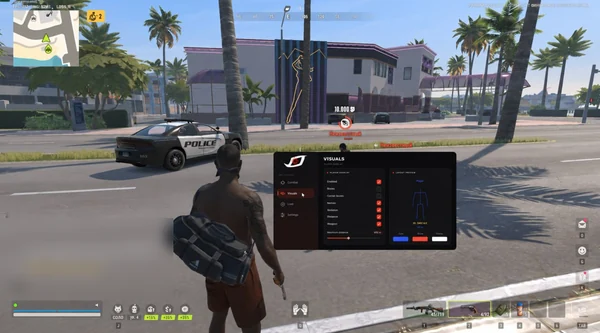
Real build captures. Select one to inspect the interface.
Stealth shows cargo and queues at buyers, plant growth stages and the areas covered by active security cameras.
UpdatesROB RUN uses Easy Anti-Cheat. Working status does not guarantee immunity from bans. Check requirements and avoid conspicuous settings on an account you cannot risk losing.
Features, launch and compatibility.
Yes. Cars and helicopters each have a range control. There's also an overall draw distance for vehicles.
Yes. Camera markers show the view direction. Active cameras can also show their coverage area and detection status.
Enable player markers and nicknames on the radar. Names above player models have a separate display setting, and teammate markers can be hidden.
Yes. Choose the chest, pelvis or nearest bone. Aim tracks while you hold the assigned key.
Export the config and save the text from the clipboard. You can import it again through the menu. Free camera has its own toggle key and flight speed.
No. With Secure Boot off, you can go straight to the guide in your order. Stealth works with any build of Windows 10 or Windows 11.
Memory and Silent Aim, faction, loot and camera ESP, radar and Skin Changer.
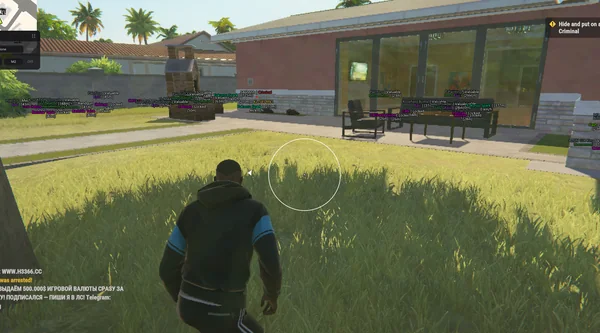
Aimbot and Silent Aim, plus player, cash, loot and vehicle ESP.
Bone-selectable aim, role colours, dropped loot and cargo in one compact menu.