ROB RUN aimbot setup should start by excluding unwanted targets rather than maximizing acquisition. FOV defines the working area, Smooth changes tracking speed, Prediction accounts for enemy movement, and Hit chance limits successful shots.
Names and ranges vary between builds. This guide breaks the settings down by task so your profile helps in close combat without jumping between police, citizens and NPCs.
Key takeaways
- A smaller FOV narrows target selection and reduces unnecessary switches.
- Smooth controls crosshair movement, while Prediction controls lead.
- Configure factions and friends before accuracy settings.
FOV, range and target point
FOV is the area where aim searches for targets, not the game's field of view. A wider area includes more characters. Max Distance also removes distant contacts. A limited zone around the crosshair is usually enough for street fights.
Target Point or Bone Selection chooses a body area. Nearest bone reduces long transitions, while fixed headshots make streaks more noticeable. Random Bones changes the point for each new target, and Phoenix Internal's Head Chance controls head-selection probability.
- Reduce FOV if the crosshair jumps to passers-by.
- Reduce range when distant targets interfere with close combat.
- Use nearest bone for shorter transitions.
Smooth, Speed and Prediction
Smooth or Smoothness controls how quickly the crosshair tracks a target. Bleak uses a 0.5–30 range: higher values make movement slower and smoother. Other builds use different scales, so numbers cannot be transferred directly.
Prediction calculates lead against moving enemies. Lovec automatically considers weapon and range, while Phoenix Internal provides Lead Time. If shots land ahead of or behind the target, check prediction before changing smoothing.
- Change one parameter at a time and test against a moving target.
- Do not copy numeric values between different builds.
- Save individual profiles for weapon classes when supported.
Hit chance, delay and filters
Hit chance controls the probability of a successful shot where listed. Auto shot and always-on modes create continuous streaks, so hold activation is more practical for short encounters. Target Switch Delay adds a pause before changing targets and reduces abrupt jumps.
Configure allowed targets before accuracy. Disable friends, knocked and dead players and unnecessary factions. Phoenix Internal's Readiness Check excludes recovering characters and vehicle occupants, while Phoenix External's Ignore Friends works with its whitelist.
- Set roles and friends first, then FOV and bones.
- A switch delay helps preserve the current contact.
- Hit chance and Auto shot are not available in every build.
Suitable builds
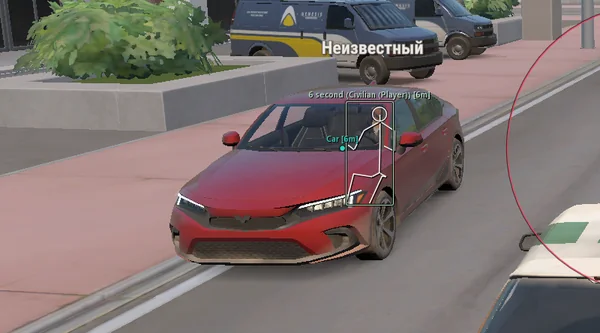 Lovec ROB RUNSilent Aim, HP and armour ESP, loot prices and rarity, plus a 2D radar.300 RUB
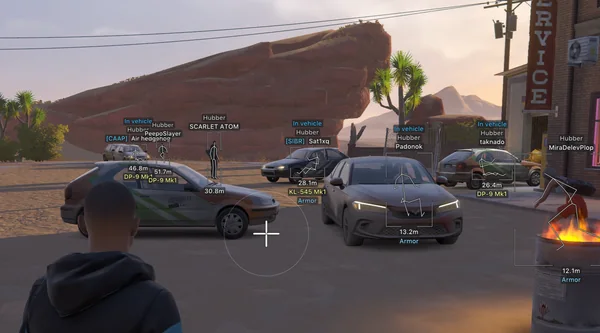 Arcane ROB RUNPrediction aim, city ESP, radar and shooting without recoil.$4 USD
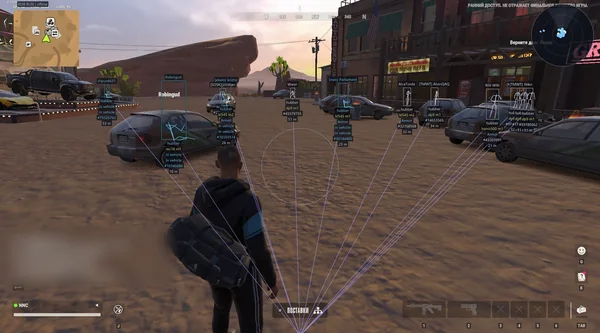 NN ROB RUNSilent Aim, weapon profiles, ESP, radar and automatic profile updates.190 RUB
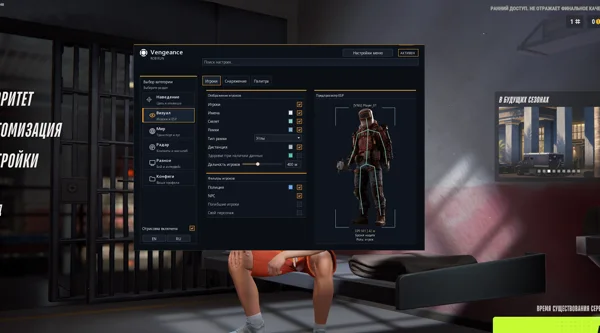 Vengeance ROB RUNAim, ESP, detailed vehicles, radar and clan-aware BattleMode.333 RUB
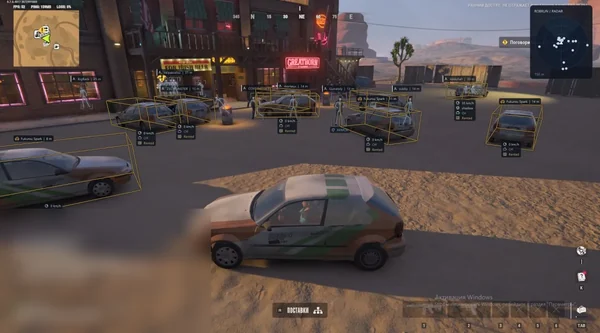 Phoenix ROB RUN InternalMemory and Silent Aim, faction, loot and camera ESP, radar and Skin Changer.299 RUB
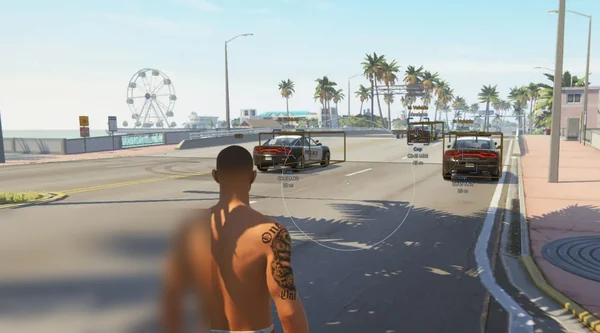 Phoenix ROB RUN ExternalSmooth aim with Prediction, player and vehicle ESP, roles and friends.249 RUB
Sources and verification
Functions and prices are checked against current build listings. Game facts come from the official ROB RUN Steam page.
ROB RUN — SteamQuestions and answers
What does FOV mean in a ROB RUN cheat?
It is the target-acquisition area around the crosshair, not the game's field of view. A smaller area reduces unwanted switches.
How does Smooth affect aiming?
It changes tracking speed and smoothness. Scales vary, so the same number can behave differently in two products.
What is Prediction for?
It accounts for target movement and aims ahead instead of at the enemy's previous position.