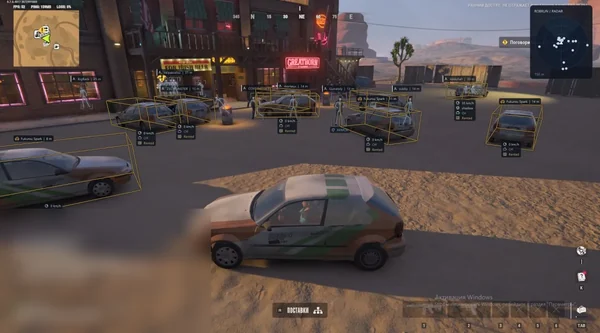
Battle Mode in ROB RUN temporarily changes visual layers for combat. Instead of deleting your config, it hides peaceful objects, loot, vehicles or teammates and keeps compact information about opponents.
It is especially useful in clan fights, where roles and sides matter more than loot. Here is how F6, ally filters and aiming settings interact.
Key takeaways
- Battle Mode filters display and does not enable aim automatically.
- Your clan and allied police can be excluded from hostile markers.
- The main profile returns after combat without reconfiguration.
What battle mode hides
The exact set depends on the build. It usually hides world items, peaceful NPCs, vehicles, lines and secondary labels. Enemies, health and key data remain, making the screen easier to read during contact.
F6 is the default for Bleak and Vengeance; other builds let you assign a key. SMG also has a separate Panic function for instantly hiding active features. A combat filter and an emergency hide are different scenarios.
- Check the assigned key before a fight.
- Keep only data that affects combat decisions.
- Panic and Battle Mode are not the same function.
Your clan and battle sides
Vengeance BattleMode uses actual attacker and defender sides, hides your team and does not automatically treat unknown affiliation as hostile. In the open world, your non-empty clan is excluded, and police can be treated as allies by role.
Bleak also hides allies and preserves other toggle states. Team Check and Ignore Friends work separately for aim. A correct setup has two layers: who to display and who not to acquire.
- Check attacker or defender side before a clan fight.
- Configure aim friends separately from visual hiding.
- Unknown roles should not always be treated as hostile.
Profiles before and after combat
Before a fight, keep detailed city ESP with loot, cameras, vehicles and roles. During contact, enable battle mode and remove everything that does not help assess threats. Afterwards, restore the city layer with one key.
If the screen remains crowded, reduce range and label count in the main config. Battle Mode cannot fix huge fonts or unlimited range; it only filters available layers temporarily.
- Keep city and combat profiles separate.
- Do not use battle mode instead of range limits.
- Make sure teammates are not acquired by aim.
Suitable builds
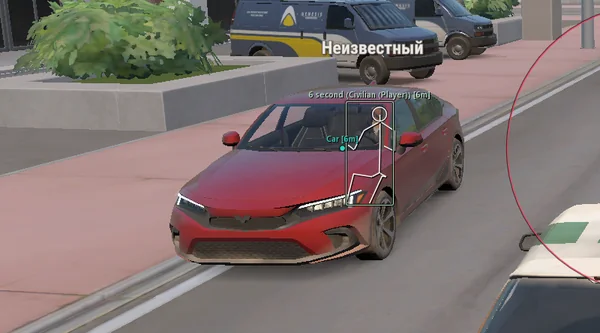 Lovec ROB RUNSilent Aim, HP and armour ESP, loot prices and rarity, plus a 2D radar.300 RUB
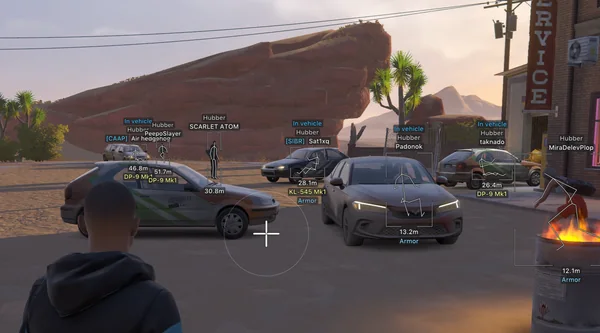 Arcane ROB RUNPrediction aim, city ESP, radar and shooting without recoil.$4 USD
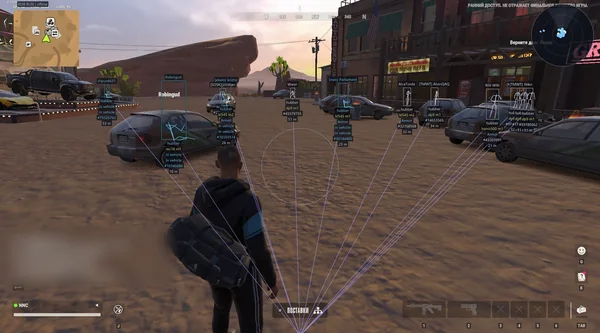 NN ROB RUNSilent Aim, weapon profiles, ESP, radar and automatic profile updates.190 RUB
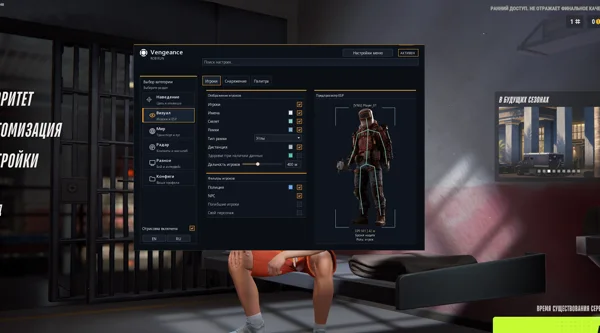 Vengeance ROB RUNAim, ESP, detailed vehicles, radar and clan-aware BattleMode.333 RUB
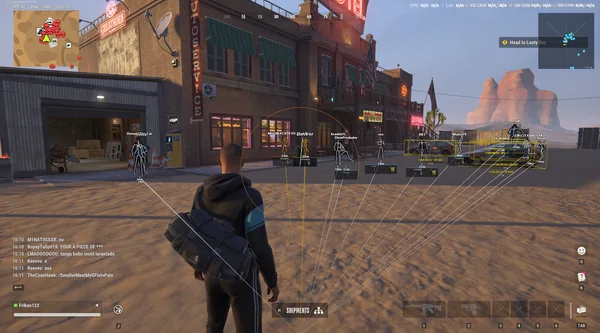 FOCUS ROB RUNSilent Aim, role and loot ESP, vehicles, robberies and radar.199 RUB
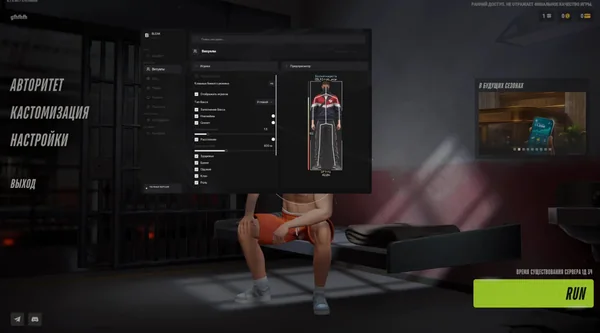 Bleak ROB RUNFull and Lite editions, world ESP, auto-zoom radar and police alerts.$4 USD
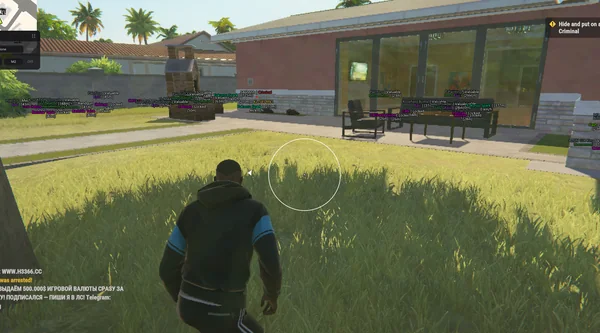 Unnamed ROB RUN InternalAimbot and Silent Aim, plus player, cash, loot and vehicle ESP.$5 USD
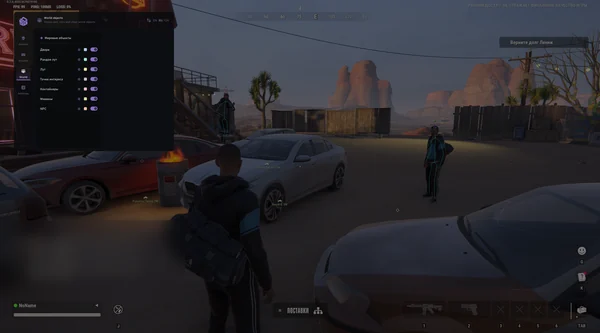 SMG ROB RUNVector Aim, configurable ESP, loot and a built-in HWID Spoofer.300 RUB
 Phoenix ROB RUN InternalMemory and Silent Aim, faction, loot and camera ESP, radar and Skin Changer.299 RUB
Sources and verification
Functions and prices are checked against current build listings. Game facts come from the official ROB RUN Steam page.
ROB RUN — SteamQuestions and answers
What does F6 do in ROB RUN?
On Bleak and Vengeance, F6 toggles Battle Mode by default, hiding unnecessary world labels and teammates for a cleaner combat view.
Does Battle Mode enable aim?
No. It controls display. Aim activation, FOV and filters are configured separately.
Does battle mode delete the main config?
No. It temporarily changes visible layers and restores saved settings after combat.