Configs in ROB RUN store aim, ESP, colours, keys and other settings in a separate profile. Instead of one universal setup, it is practical to keep a calm city preset and a clean combat preset.
Every build in the catalog supports configs in some form. Capabilities range from Save/Load to autosave, renaming and visual presets.
Key takeaways
- Keep city and combat profiles separate.
- Save and Load do not always mean autosave.
- Resetting one section does not have to erase every other setting.
What a config includes
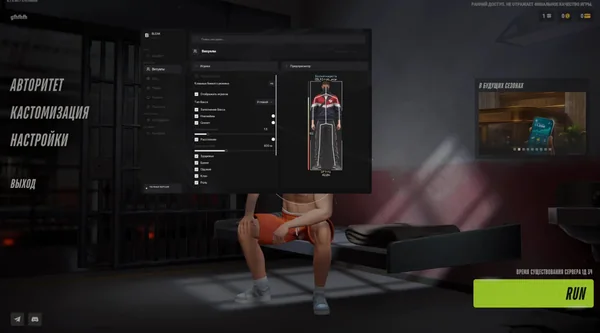
Configs usually store aim filters, bones, FOV, ESP colours, ranges, keys and visual parameters. Bleak and Vengeance autosave the current configuration, while named profiles are managed separately.
Lovec provides Legit and Full presets. Legit uses Silent Aim with a 45° FOV, while Full uses 140° and head targeting. These are starting points, not mandatory settings for every account.
- Save the original profile first.
- Do not overwrite a calm config with an experimental one.
- Adapt the ready-made preset to your role.
City and combat profiles
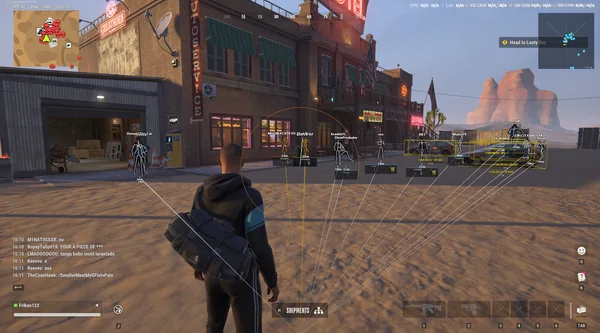
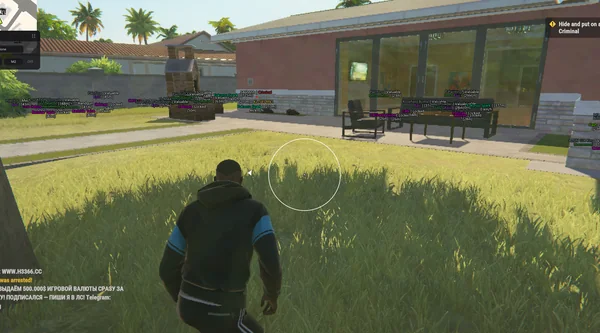
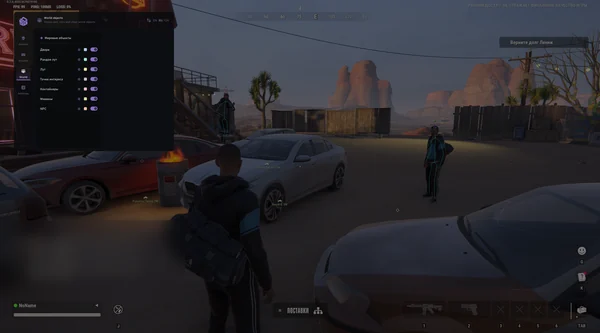
A city preset can include loot, cameras, vehicles and detailed roles. A combat preset keeps opponents, health and directions. Battle Mode clears the screen temporarily without replacing saved profiles.
Check factions and the friend list when changing roles. Police settings differ from robber settings. Use descriptive names so you can distinguish these variants later.
- Keep farming and combat configs separate.
- Name profiles by scenario, not random numbers.
- Check factions after changing roles.
Loading, resetting and sharing
Save stores current settings, Load restores them, and Reset returns default values. Phoenix Internal also has Page Defaults for resetting the current section, which is useful when only one block needs correction.
After a build update, check whether an old config enables outdated functions. Do not transfer JSON between different products: their parameters and ranges differ. If something breaks, restore the original profile and change one item at a time.
- Reset a section before using a full reset.
- Do not transfer configs between different builds.
- Check for outdated parameters after patches.
Suitable builds
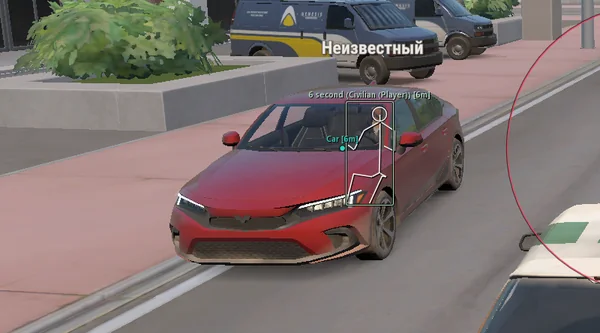 Lovec ROB RUNSilent Aim, HP and armour ESP, loot prices and rarity, plus a 2D radar.300 RUB
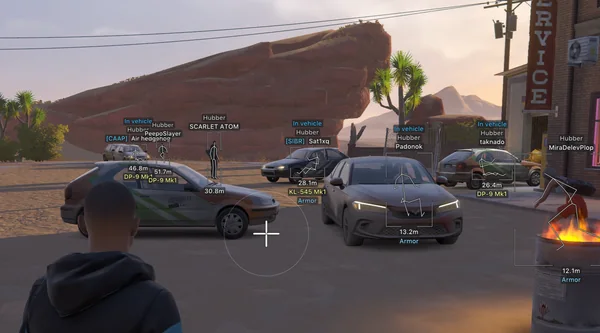 Arcane ROB RUNPrediction aim, city ESP, radar and shooting without recoil.$4 USD
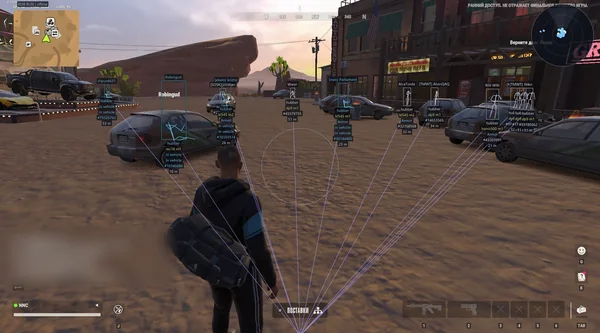 NN ROB RUNSilent Aim, weapon profiles, ESP, radar and automatic profile updates.190 RUB
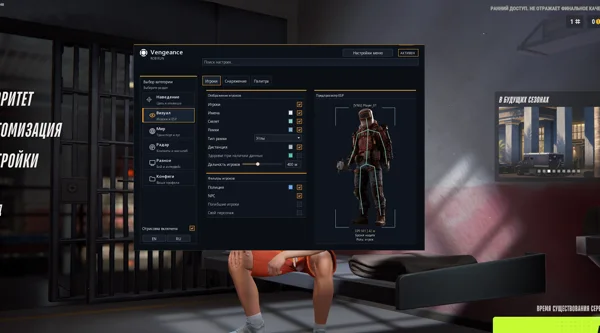 Vengeance ROB RUNAim, ESP, detailed vehicles, radar and clan-aware BattleMode.333 RUB
 FOCUS ROB RUNSilent Aim, role and loot ESP, vehicles, robberies and radar.199 RUB
 Bleak ROB RUNFull and Lite editions, world ESP, auto-zoom radar and police alerts.$4 USD
 Unnamed ROB RUN InternalAimbot and Silent Aim, plus player, cash, loot and vehicle ESP.$5 USD
 SMG ROB RUNVector Aim, configurable ESP, loot and a built-in HWID Spoofer.300 RUB
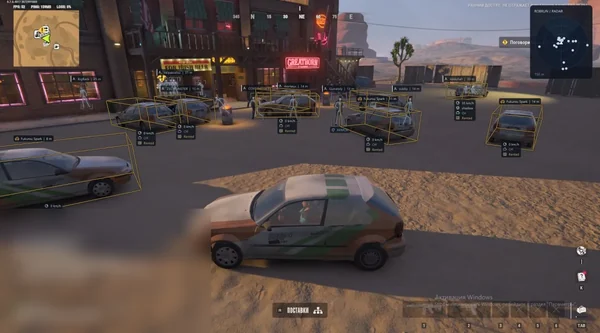 Phoenix ROB RUN InternalMemory and Silent Aim, faction, loot and camera ESP, radar and Skin Changer.299 RUB
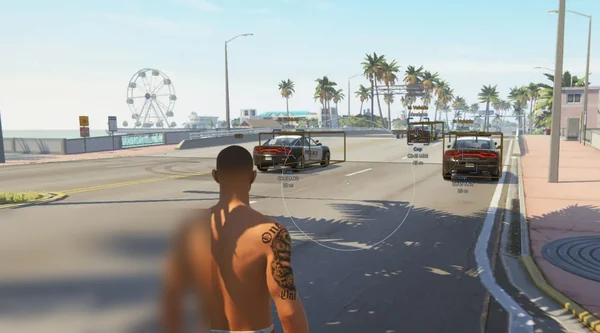 Phoenix ROB RUN ExternalSmooth aim with Prediction, player and vehicle ESP, roles and friends.249 RUB
Sources and verification
Functions and prices are checked against current build listings. Game facts come from the official ROB RUN Steam page.
ROB RUN — SteamQuestions and answers
How is Save different from autosave?
Save stores a profile manually. Autosave records changes to the current configuration automatically, while named profiles can be managed separately.
Can I keep different profiles for farming and combat?
Yes. Save separate configs and switch them with Load. Battle Mode clears the screen temporarily without changing profiles.
Does one config work across different cheats?
No. Builds have different parameters and ranges, so configurations should not be transferred between them.