Radar in ROB RUN gathers nearby contacts on a compact panel. ESP places a label next to a character, while radar reveals direction and distance even when the target is outside the camera view.
Lovec, Arcane, NN, Vengeance, FOCUS, Bleak and Phoenix Internal include radar. SMG, Unnamed and Phoenix External do not list it by default. Here is how auto zoom, rings, rotation and filters differ.
Key takeaways
- Radar complements ESP rather than replacing it.
- Rotation and rings help read direction and distance.
- Auto zoom should react only to suitable live contacts with correct filters.
What appears on radar
Depending on the build, the panel includes players, police, robbers, citizens, NPCs and vehicles. Range Rings shows distance rings, View Sector shows camera direction, and Names labels nearby contacts.
Distant targets may be clamped to the panel edge. Vengeance dims them to avoid implying proximity. Its radar has no full location map: it provides a grid and directions instead.
- Keep only the roles you need on radar.
- Disable names if the panel becomes crowded.
- Vehicles are configured separately from players.
Auto zoom and camera rotation
Rotate With Camera turns the radar with your view. Manual zoom sets the baseline range, while Auto Zoom smoothly enlarges the panel near a suitable live contact. Bleak supports a 30–500 metre reaction range and a 0.15–2 second transition.
Your clan, allied police, regular NPCs and dead players can be excluded from auto-zoom triggers. Without these filters, the panel constantly changes scale for safe characters and obscures real threats.
- Configure filters before auto zoom.
- Check that auto zoom does not go below the manual baseline.
- Use a smooth transition to avoid distracting jumps.
Position and readability
Size and opacity are configurable. Bleak supports a 100–400 pixel panel and drag positioning while the menu is open. Lovec also lets you move the circular radar and change its range.
Do not place the panel over your crosshair, weapon or game alerts. Save a detailed city profile and a combat profile with opponents only. Battle mode hides vehicles and peaceful markers.
- Move the radar to a free screen area.
- Limit its size if it covers the HUD.
- Keep only relevant contacts for combat.
Suitable builds
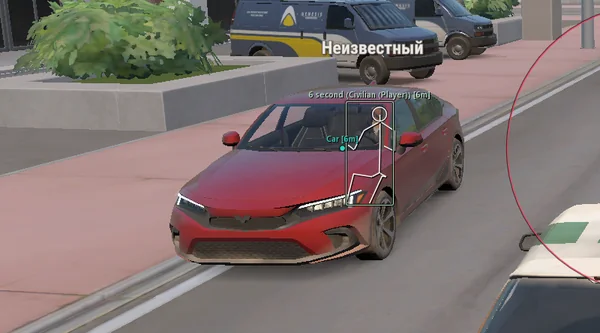 Lovec ROB RUNSilent Aim, HP and armour ESP, loot prices and rarity, plus a 2D radar.300 RUB
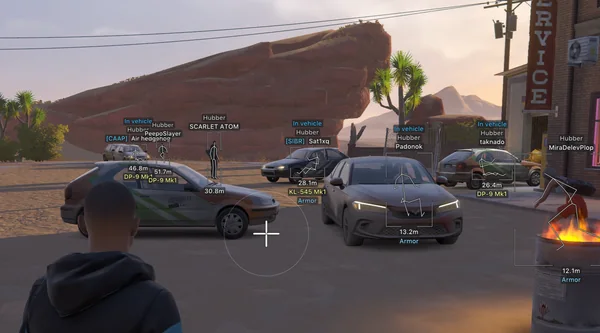 Arcane ROB RUNPrediction aim, city ESP, radar and shooting without recoil.$4 USD
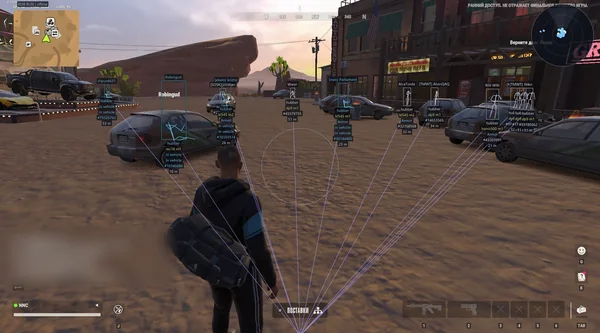 NN ROB RUNSilent Aim, weapon profiles, ESP, radar and automatic profile updates.190 RUB
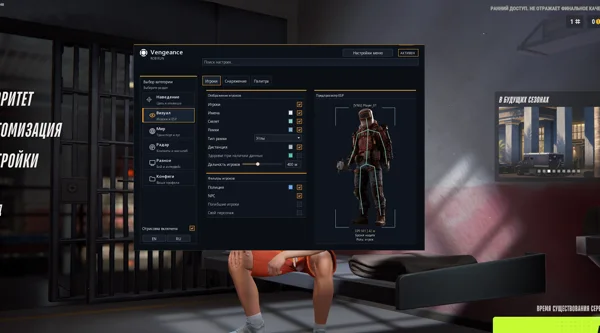 Vengeance ROB RUNAim, ESP, detailed vehicles, radar and clan-aware BattleMode.333 RUB
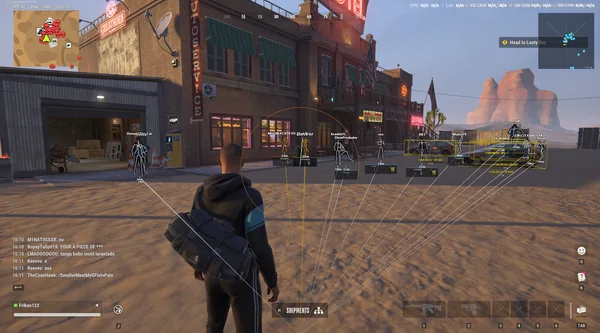 FOCUS ROB RUNSilent Aim, role and loot ESP, vehicles, robberies and radar.199 RUB
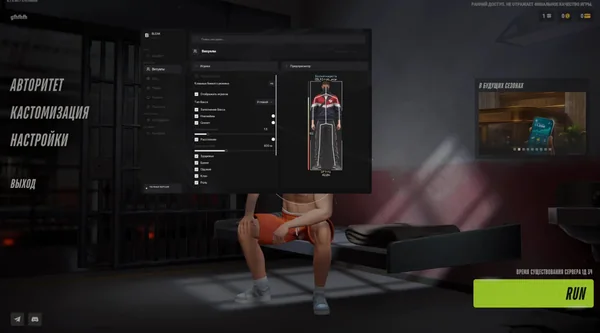 Bleak ROB RUNFull and Lite editions, world ESP, auto-zoom radar and police alerts.$4 USD
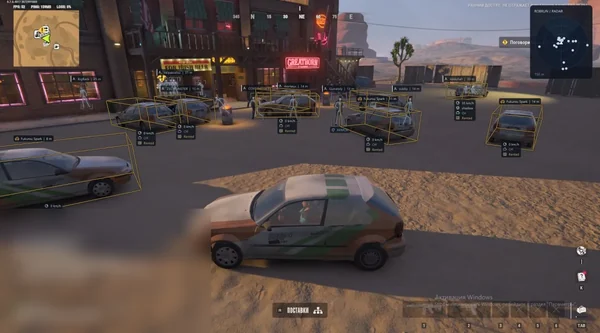 Phoenix ROB RUN InternalMemory and Silent Aim, faction, loot and camera ESP, radar and Skin Changer.299 RUB
Sources and verification
Functions and prices are checked against current build listings. Game facts come from the official ROB RUN Steam page.
ROB RUN — SteamQuestions and answers
How is radar different from ESP?
ESP labels players and objects in the game view. Radar shows contact direction and distance on a separate panel, including targets outside the camera.
Does every build include radar?
No. SMG, Unnamed Internal and Phoenix External do not list it in the current catalog.
What does auto zoom do?
It smoothly increases scale near a suitable contact and restores the manual value after the target leaves.