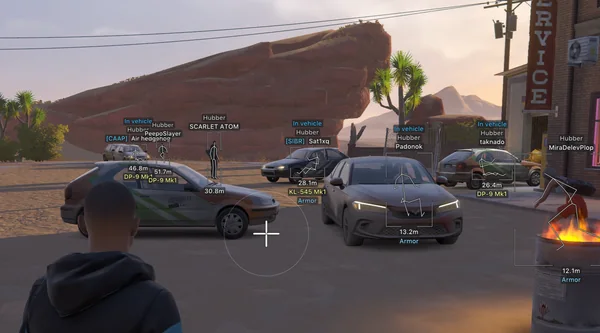
Vehicle ESP in ROB RUN helps you find a car and see who is already driving. Depending on the build, it shows name, driver, owner, speed, engine, cargo and distance.
This is useful beyond loot extraction. Occupancy and vehicle movement can reveal other players' routes and prevent you from treating occupied transport as a safe escape.
Key takeaways
- Empty and occupied vehicles are different scenarios.
- Speed and driver data help read movement.
- Own-vehicle and range filters clean up the screen.
Vehicle data
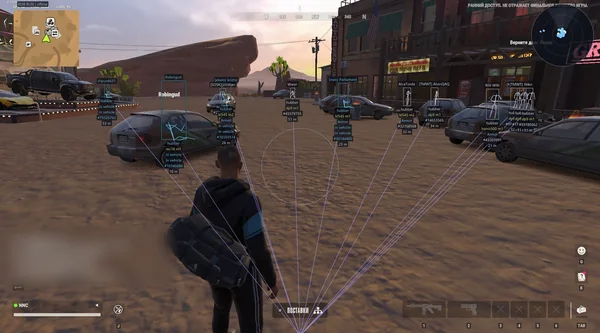
Arcane and NN show name, owner, driver, speed, status and distance. Vengeance and Bleak add 3D boxes, engine state, cargo and detected passenger counts. Unnamed keeps name, speed and distance.
Phoenix Internal displays model, driver, owner, engine state, cargo, trunk and rental status. External keeps only vehicle name and bounds, without detailed telemetry.
- Choose data for your route rather than the entire list.
- Use 3D boxes only when they genuinely help.
- Speed and engine state help assess movement.
Finding an escape vehicle
Before looting, find a suitable vehicle and keep the route to it clear. An occupied-only filter helps track players, while hiding your own vehicle removes an unnecessary box next to your character.
Supported builds reveal when a driver is already inside. Do not treat any vehicle as a guaranteed exit until you check its state and surroundings.
- Keep a dedicated label for your vehicle or hide it.
- Check the driver and passengers before approaching.
- Vehicle range is configured separately from players.
Vehicles and combat
During a firefight, vehicles and world items can obscure hostile contacts. Battle Mode hides transport and peaceful markers while preserving opponents. Your previous profile returns after combat.
For a chase, keep speed and boxes; for farming, keep cargo and owner. Saved configs let you switch these scenarios without configuring everything again.
- Hide vehicles with one key for combat.
- Keep cargo and owner for farming.
- Use speed and boxes for a chase.
Suitable builds
 Arcane ROB RUNPrediction aim, city ESP, radar and shooting without recoil.$4 USD
 NN ROB RUNSilent Aim, weapon profiles, ESP, radar and automatic profile updates.190 RUB
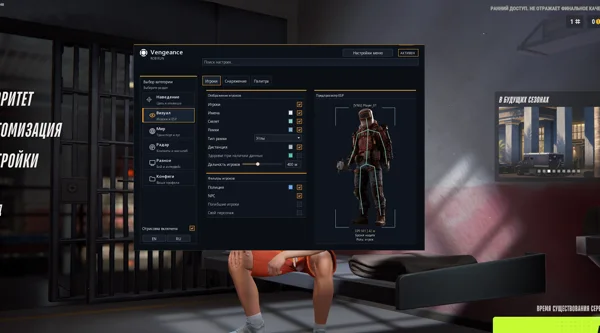 Vengeance ROB RUNAim, ESP, detailed vehicles, radar and clan-aware BattleMode.333 RUB
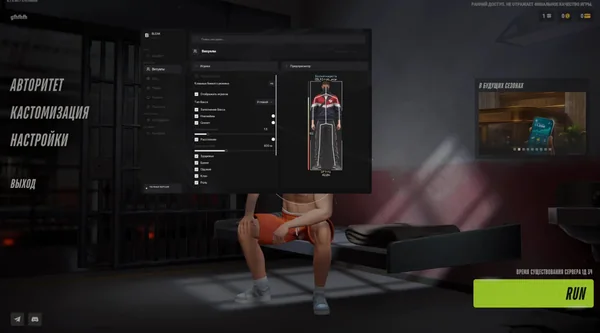 Bleak ROB RUNFull and Lite editions, world ESP, auto-zoom radar and police alerts.$4 USD
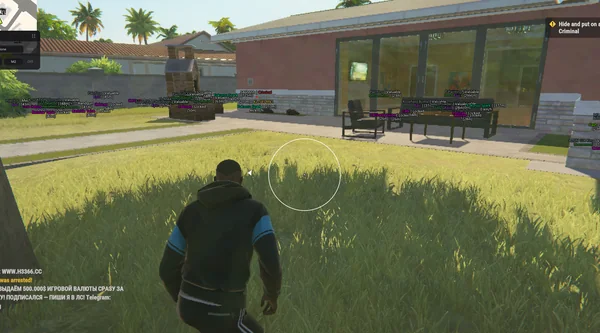 Unnamed ROB RUN InternalAimbot and Silent Aim, plus player, cash, loot and vehicle ESP.$5 USD
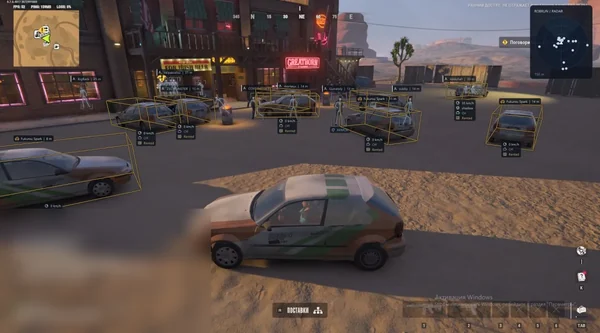 Phoenix ROB RUN InternalMemory and Silent Aim, faction, loot and camera ESP, radar and Skin Changer.299 RUB
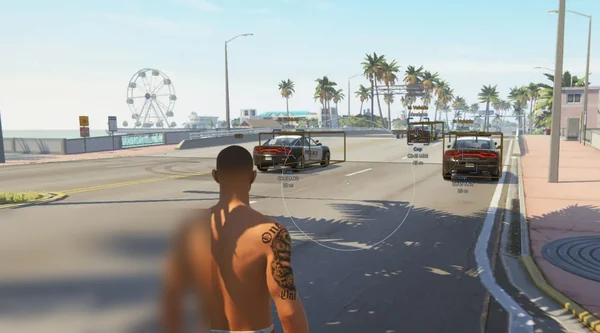 Phoenix ROB RUN ExternalSmooth aim with Prediction, player and vehicle ESP, roles and friends.249 RUB
Sources and verification
Functions and prices are checked against current build listings. Game facts come from the official ROB RUN Steam page.
ROB RUN — SteamQuestions and answers
Does ESP show a vehicle's driver?
Yes. Arcane, NN, Vengeance, Bleak and Phoenix Internal provide available driver and occupant information.
Can I hide my own vehicle?
Yes. Several builds can hide your own vehicle and the one you are currently inside.
Does Phoenix External show speed and cargo?
No. External shows vehicle names and bounds. Detailed data is available in Internal.