Loot ESP in ROB RUN highlights items, cash, bags, cargo, crates and other objects already present on the server. It does not generate currency: the build reveals loot and its characteristics but creates nothing.
Price, rarity, category and range filters matter more than enabling every marker. Here is what the builds offer and how to create a route screen without checking every empty container.
Key takeaways
- Price and rarity help choose a target before approaching.
- Hide Empty hides confirmed empty objects, not any unknown container.
- Range and category filters remove unnecessary text.
What loot ESP includes
Core categories include ground items, bags, cash bundles, cargo, weapon cases, safes and storage. Some builds also show doors, buyers, medical cabinets, traders and workstations. Each object can have its own colour and range.
Lovec calculates prices using stacks and cash bundles. Bleak shows base unit price, not stack value or market rate. Unnamed displays cash amounts and rarity, while Phoenix Internal separates weapons, ammunition, armour, medicine and valuables.
- Check whether price means stack value or unit value.
- Configure loot, vehicles and city services separately.
- Icons and rarity colours reduce label-reading time.
Empty containers and object states
Hide Empty should not hide every object with unknown contents. Bleak and Vengeance count only confirmed empty or taken items as empty. Unknown states are not presented as confirmed ones.
Lovec can recolour looted crates and show closed safes separately. Cameras and security panels are useful next to loot: the route to an expensive container is not always worth entering a surveillance zone.
- Empty-object display depends on available data.
- Closed safes and looted crates are different states.
- Cameras and alarms help assess the route to loot.
A route profile
Keep only the categories you need for the current run. Set a minimum price for valuables, reduce range for minor items, and keep separate vehicle labels for speed, owner and cargo when supported.
Clear world ESP with Battle Mode during combat. It hides peaceful objects and vehicles while preserving hostile contacts. After the fight, saved filters return without reconfiguring every item.
- Minimum price removes cheap finds.
- Max Distance hides objects outside the intended route.
- Battle Mode clears the screen temporarily without deleting the profile.
Suitable builds
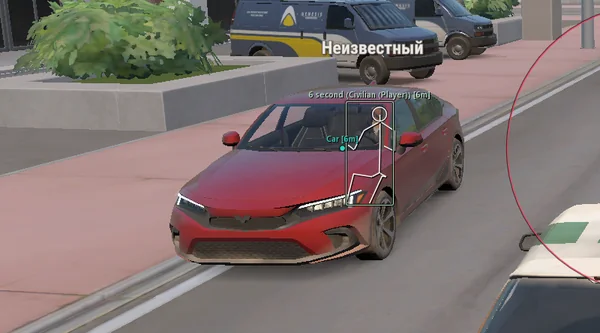 Lovec ROB RUNSilent Aim, HP and armour ESP, loot prices and rarity, plus a 2D radar.300 RUB
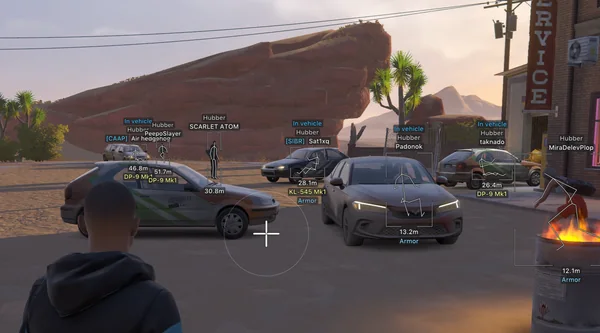 Arcane ROB RUNPrediction aim, city ESP, radar and shooting without recoil.$4 USD
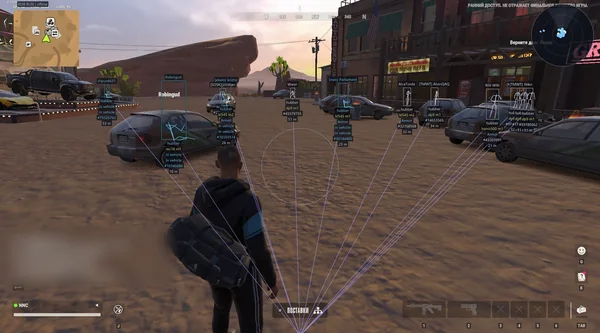 NN ROB RUNSilent Aim, weapon profiles, ESP, radar and automatic profile updates.190 RUB
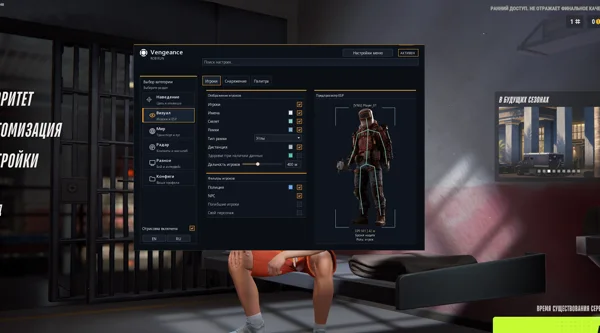 Vengeance ROB RUNAim, ESP, detailed vehicles, radar and clan-aware BattleMode.333 RUB
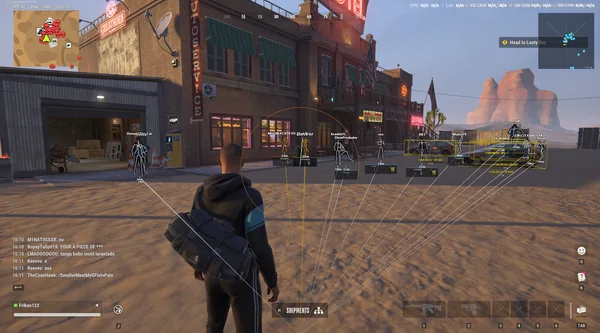 FOCUS ROB RUNSilent Aim, role and loot ESP, vehicles, robberies and radar.199 RUB
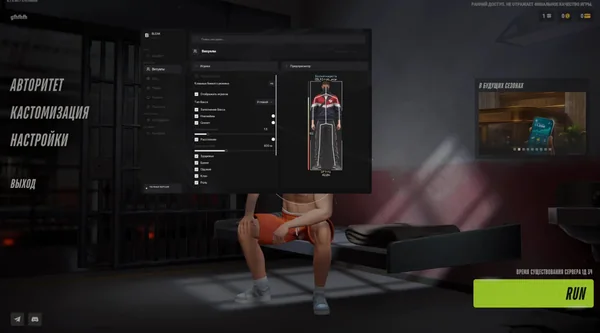 Bleak ROB RUNFull and Lite editions, world ESP, auto-zoom radar and police alerts.$4 USD
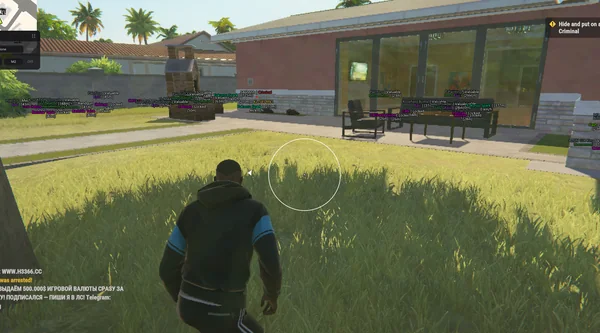 Unnamed ROB RUN InternalAimbot and Silent Aim, plus player, cash, loot and vehicle ESP.$5 USD
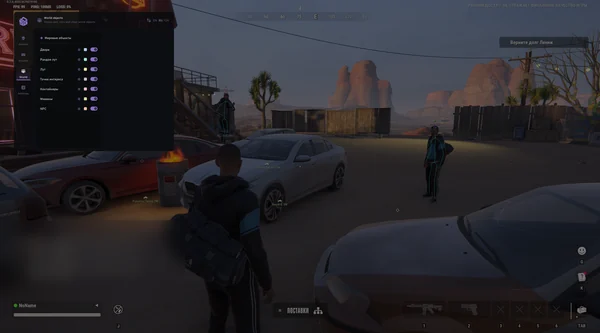 SMG ROB RUNVector Aim, configurable ESP, loot and a built-in HWID Spoofer.300 RUB
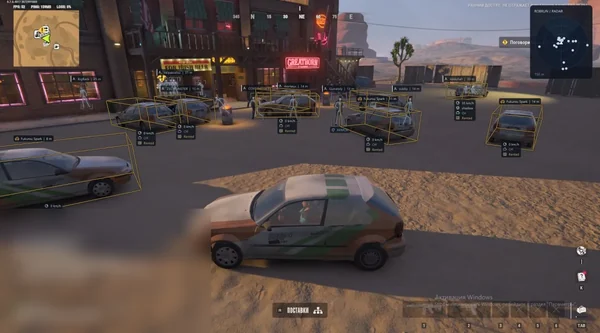 Phoenix ROB RUN InternalMemory and Silent Aim, faction, loot and camera ESP, radar and Skin Changer.299 RUB
Sources and verification
Functions and prices are checked against current build listings. Game facts come from the official ROB RUN Steam page.
ROB RUN — SteamQuestions and answers
Does loot ESP create money in ROB RUN?
No. It only displays cash and items already present on the server and their available characteristics.
What does the minimum-price filter do?
It hides items below a chosen threshold so valuable finds are not lost among minor loot.
Does every build show loot?
No. Phoenix External focuses on players and vehicles and does not list Loot ESP.